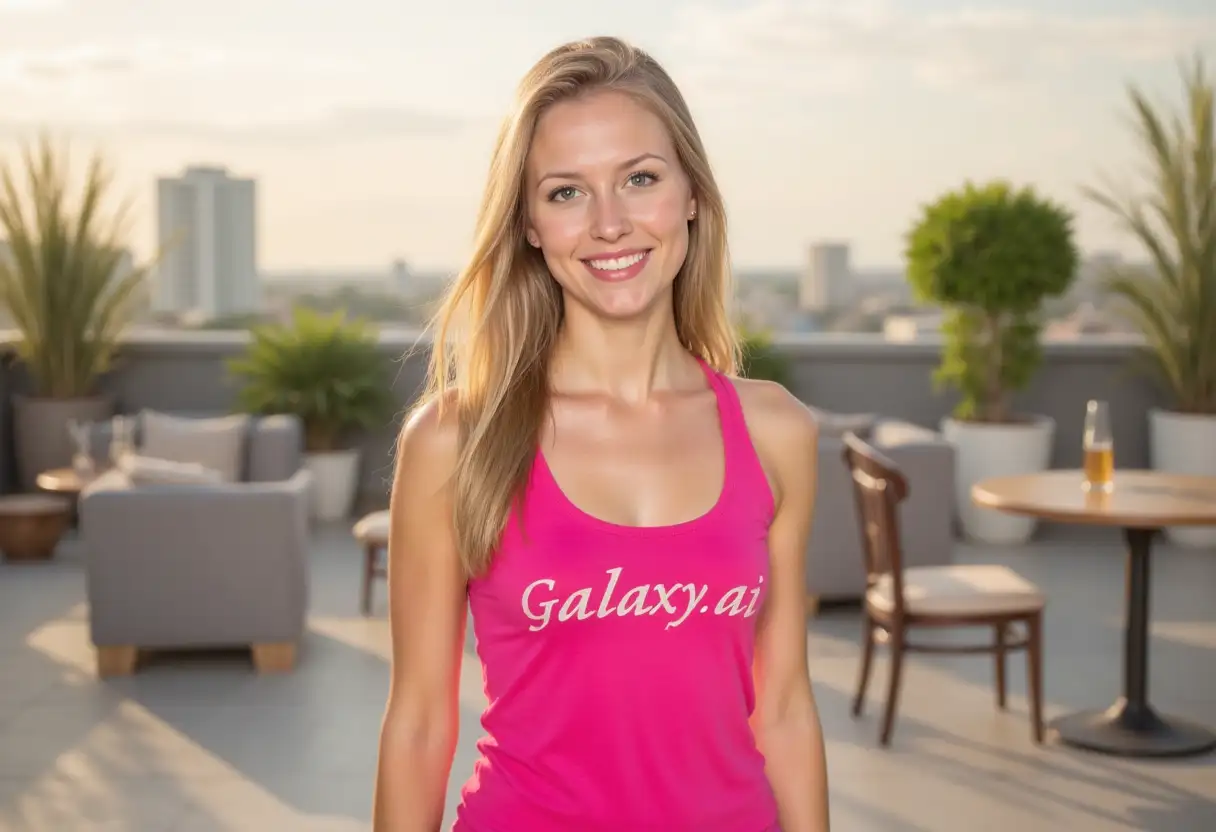
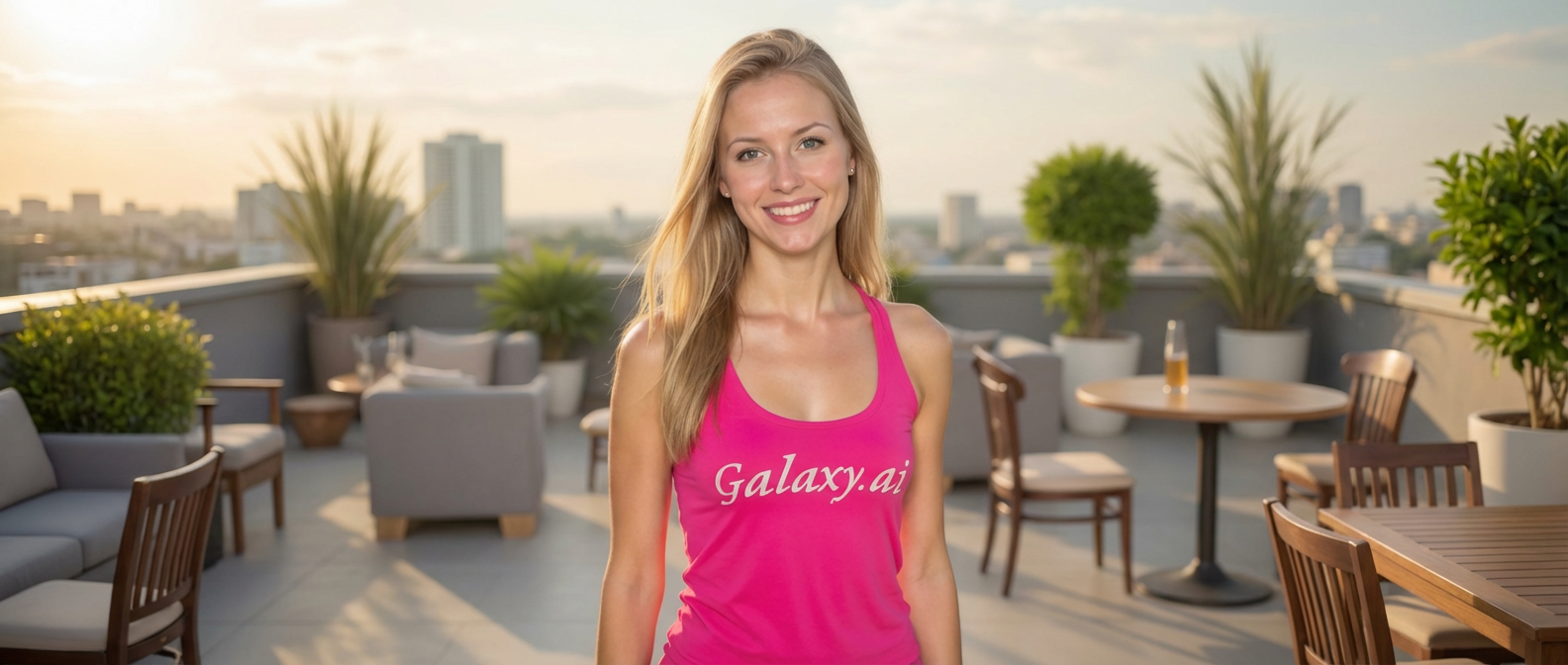
Merge multiple images seamlessly with AI-powered intelligent blending and composition.
AI-powered seamless image merging
Multiple combine styles (collage, blend, overlay)
Flexible layout arrangements
Smart image alignment and sizing
Professional blending modes
Perfect for collages and composites
Instant results
No design skills needed
High-quality merged output
Works with any image combination
How Our Combine Images Tool Works
Merge multiple images together in three simple steps:
01
Attach Your Images
Upload multiple images you want to combine. Works with 2 or more images of any size or format.
02
Choose Combine Settings
Select your preferred combine style, layout arrangement, and blend mode for the final result.
03
Generate & Download
Get your seamlessly combined image instantly. Download and use for any purpose.
Key Features of Combine Images
Multiple Combine Styles
Choose from seamless merge, collage, smooth blend, overlay, side-by-side, grid, or artistic fusion.
Smart Layout Options
Arrange images horizontally, vertically, in grids, centered, stacked, or let AI choose the best fit.
Advanced Blend Modes
Use natural blend, smooth transitions, sharp edges, fade effects, multiply, or screen blending.
Intelligent Composition
AI automatically balances colors, adjusts sizes, and aligns images for cohesive results.
Flexible Input
Combine any number of images with different sizes, orientations, and formats.
Professional Quality
Get high-resolution combined images suitable for printing, web, and professional use.
Who Can Benefit from Our Combine Images Tool?
This tool is perfect for anyone needing to merge multiple images:
Photographers
Create stunning photo collages, before-after comparisons, and composite images.
Graphic Designers
Merge design elements and create complex compositions quickly and efficiently.
Social Media Managers
Create engaging multi-image posts, comparisons, and visual stories for platforms.
E-commerce Sellers
Show multiple product views, features, or variations in single combined images.
Marketing Professionals
Create compelling visual content that showcases multiple aspects in one image.
Content Creators
Merge screenshots, photos, and graphics for tutorials, reviews, and creative content.
Tips for Better Combined Images
Tip 1
Choose Appropriate Combine Style
Use collage for distinct sections, blend for seamless integration, and overlay for layered effects.
Tip 2
Consider Image Similarity
Images with similar colors, lighting, or themes combine more naturally and cohesively.
Tip 3
Plan Your Layout
Think about the story or message - horizontal for timelines, grid for comparisons, stacked for layers.
Tip 4
Match Image Quality
Use images with similar resolution and quality for professional-looking combined results.
Tip 5
Use Blend Modes Creatively
Smooth transitions for subtle merging, sharp edges for distinct sections, fade for artistic effects.
Tip 6
Balance Visual Weight
Ensure no single image dominates unless intentional - distribute visual interest evenly.
Tip 7
Test Different Arrangements
Try various layouts and styles to find the most effective way to present your combined images.
Frequently Asked Questions About Combine Images
How many images can I combine at once?
You can combine 2 or more images in a single merge. The tool handles multiple images efficiently, automatically arranging them based on your chosen layout.
What combine styles are available?
We offer several styles including seamless merge, collage, smooth blend, overlay composite, side-by-side, grid layout, and artistic fusion. Each creates different visual effects.
Can I control how images are arranged?
Yes! Choose from horizontal, vertical, 2x2 grid, 3x3 grid, centered, stacked layers, or let the AI select the best arrangement automatically.
Do images need to be the same size?
No! The tool intelligently handles images of different sizes, automatically scaling and positioning them for optimal composition.
What are blend modes and when should I use them?
Blend modes control how images merge together. Use smooth transition for seamless blending, sharp edges for distinct sections, fade for artistic effects, and multiply/screen for creative combinations.
Can I create photo collages?
Absolutely! The collage style is perfect for creating photo collages with multiple images arranged in an appealing layout.
Will the combined image maintain quality?
Yes! The output maintains high quality, ensuring your combined image looks professional and sharp for any use.
Can I combine portrait and landscape images?
Yes! The tool handles mixed orientations intelligently, creating balanced compositions regardless of individual image orientations.
What's the difference between blend and overlay styles?
Blend creates smooth transitions between images, merging them together. Overlay places one image on top of another with transparency, creating layered effects.
Can I create before-after comparisons?
Perfect for that! Use the side-by-side style with horizontal or vertical layout to create effective before-after comparisons.
What image formats are supported?
All common formats including JPG, PNG, WebP, and more. Upload any combination of formats - they'll be combined seamlessly.
How quickly can I get my combined image?
Processing is instant! You'll receive your professionally combined image in just a few seconds, ready to download.