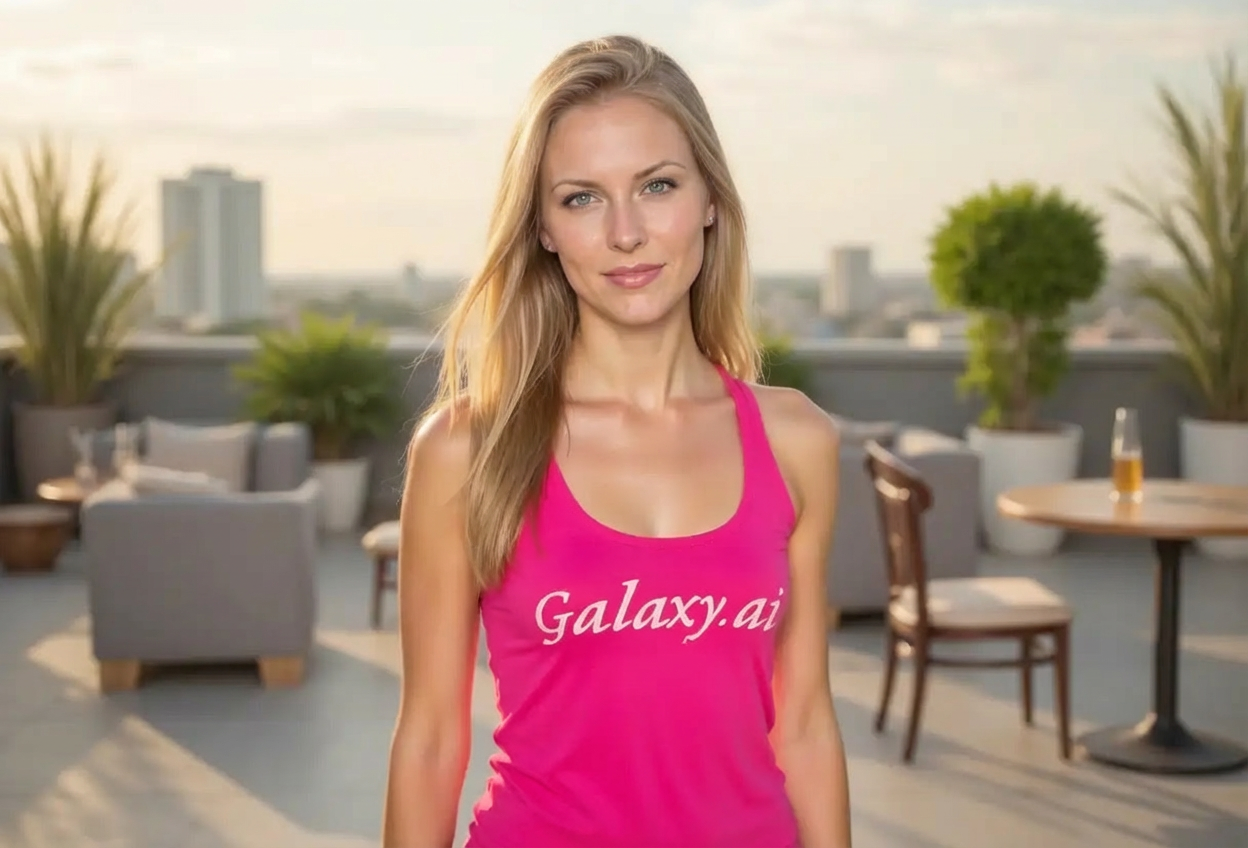
Compare the source image with each finished result.
Source image
Result
What Magica will ask for
The agent gathers these inputs and preferences in the conversation before it starts.
Attach Your Photo
attach a photo to apply the filter
Why Choose Our AI Confident Filter?
Transform your photos to project confidence and self-assurance. Our advanced AI enhances your natural presence, helping you look your best for any occasion!
Enhances natural confidence and presence
Improves posture and body language cues
Creates engaging eye contact and expression
Adds subtle, authentic confident smile
Maintains your unique facial features
Perfect for professional and personal photos
Instant transformation with AI precision
How Our AI Confident Filter Works
Enhance your confidence in three simple steps and radiate self-assured energy:
01
Attach Your Photo
Select a clear photo where your face and upper body are visible. Portrait and headshot photos work best!
02
Apply the Filter
ask Magica to generate the result and watch as our AI enhances your posture, expression, and presence to project confidence.
03
Download & Share
Preview your confident transformation and download your enhanced photo for any use.
Key Features of the AI Confident Filter
Strong Eye Contact Enhancement
Creates engaging, direct eye contact that conveys confidence and approachability.
Posture Optimization
Subtly improves body alignment and stance to project confidence and authority.
Natural Expression Enhancement
Adds an assured, genuine smile that radiates warmth and self-confidence.
Presence Amplification
Enhances overall commanding presence while maintaining your authentic personality.
Feature Preservation
Maintains your unique facial features and natural appearance throughout the transformation.
High-Quality Output
Delivers professional-grade images perfect for any platform or purpose.
Who Can Benefit from the Confident Filter?
Our AI Confident Filter is perfect for anyone wanting to project self-assurance and make a powerful first impression.
Professionals
Create confident headshots for LinkedIn, resumes, and professional portfolios.
Dating App Users
Stand out with profile photos that radiate confidence and approachability.
Social Media Influencers
Enhance your online presence with photos that project authority and charisma.
Content Creators
Generate confident photos for thumbnails, profile pictures, and brand materials.
Job Seekers
Make powerful first impressions with professional photos that exude confidence.
Personal Development Enthusiasts
Visualize and embody confidence as part of your self-improvement journey.
Tips for the Best Confident Transformation
Tip 1
Use Well-Lit Portrait Photos
Ensure your face is clearly visible with good lighting to maximize the confidence enhancement effect.
Tip 2
Show Upper Body and Face
Photos that include your shoulders and upper torso allow for better posture enhancement.
Tip 3
Choose Clear, High-Resolution Images
Higher quality input photos result in more refined and natural-looking confidence enhancements.
Tip 4
Experiment with Different Poses
Try various starting poses to see how the filter enhances different expressions and body language.
Tip 5
Use for Professional Contexts
The filter works exceptionally well for business headshots, LinkedIn profiles, and career-related photos.
Frequently Asked Questions About Our Confident Filter
How does the Confident Filter enhance my appearance?
Our AI analyzes your photo and makes subtle enhancements to your posture, eye contact, facial expression, and overall presence. It creates a natural, confident look through improved body language cues while preserving your unique features and personality.
Will the result look natural or artificial?
The transformations are designed to look completely natural. Our AI makes subtle enhancements to existing features rather than drastic changes, ensuring you still look like yourself—just more confident and self-assured.
What types of photos work best?
The filter works best on clear portrait or headshot photos with good lighting where your face and upper body are visible. Professional photos, selfies, and casual portraits all work well. Front-facing or slightly angled poses provide the best results.
Can I use this for professional purposes?
Absolutely! The Confident Filter is perfect for professional headshots, LinkedIn profiles, resumes, company websites, and any context where projecting confidence matters. Many users enhance their career-related photos with this filter.
Is this suitable for dating profile photos?
Yes! The filter is ideal for dating apps and profiles. It helps you project confidence and approachability, creating photos that make strong first impressions while maintaining your authentic appearance.
Will my photo privacy be protected?
We prioritize user privacy. Your photos are used only for the transformation process and are not stored long-term or used for other purposes. The enhanced image is immediately available for download.
How is this different from just smiling in a photo?
The Confident Filter goes beyond just adding a smile. It enhances multiple aspects of confident body language including eye contact, posture, facial expression, and overall presence. The AI creates a holistic transformation that projects authentic self-assurance.
Can I use this filter multiple times on different photos?
Yes! You can use the Confident Filter on as many photos as you'd like. Each transformation uses a small amount of credits, making it affordable to enhance your entire photo collection.