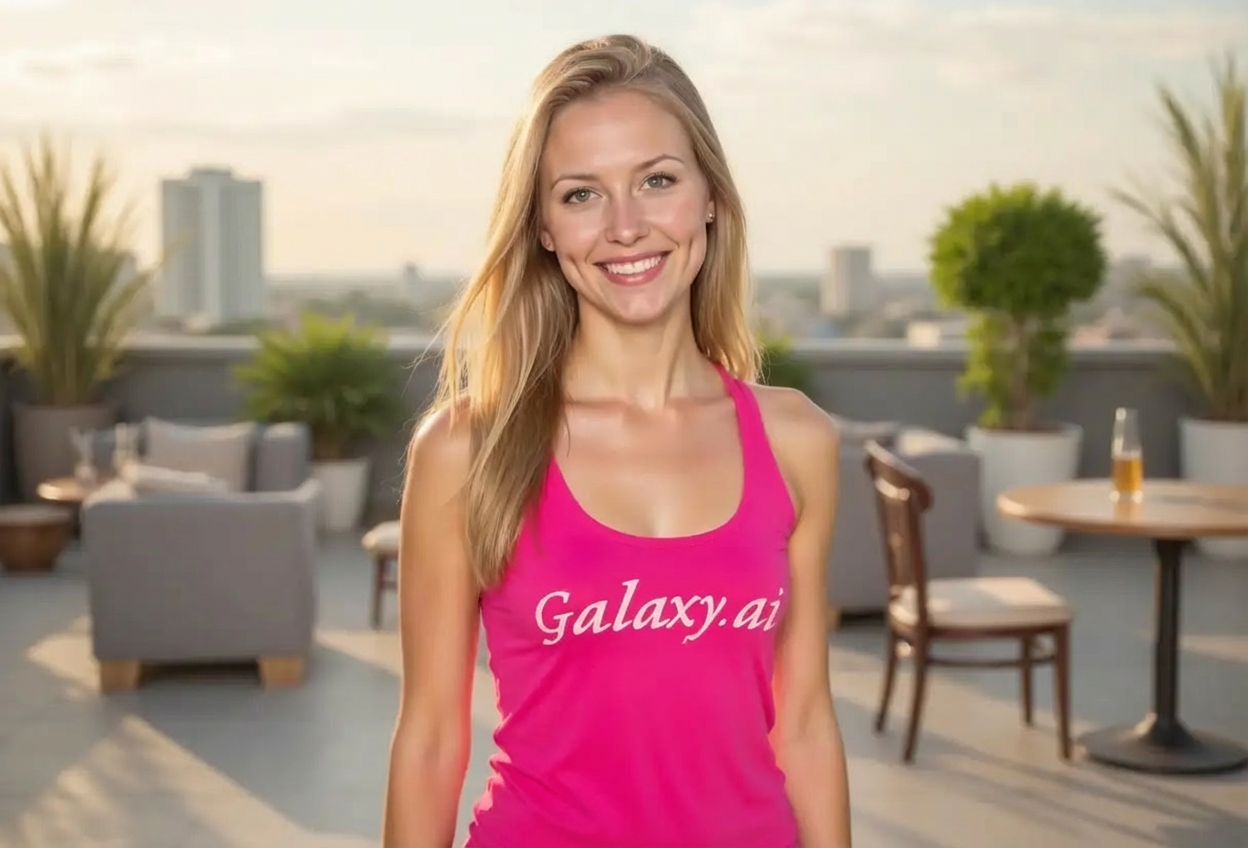
Compare the source image with each finished result.
Source image
Result
What Magica will ask for
The agent gathers these inputs and preferences in the conversation before it starts.
Attach Your Photo
attach a photo to apply the dimples filter
Why Choose Our AI Dimples Filter?
Add charming, natural-looking dimples to your photos with our advanced AI. Experience the beauty of a dimpled smile with just one click!
Natural-looking dimples on both cheeks
Enhances smile authenticity and warmth
Maintains original facial features
Adjusts dimple depth naturally
Works on all smile types
Instant transformation powered by AI
No editing skills required
How Our Dimples Filter Works
Add charming dimples to your smile with these simple steps:
01
Attach Your Photo
Select a clear photo where your face is visible, preferably with a smile. Front-facing shots work best!
02
Apply the Filter
ask Magica to generate the result and watch as our AI adds natural dimples to your cheeks when smiling.
03
Download & Share
Preview your charming dimpled smile and download your enhanced photo.
Key Features of the AI Dimples Filter
Natural Dimple Creation
Creates authentic-looking dimples that naturally appear on both cheeks when smiling.
Smart Facial Recognition
Advanced AI accurately identifies cheek positioning and smile intensity for optimal dimple placement.
Detail Preservation
Maintains your natural facial features while seamlessly adding dimple indents.
Smile Enhancement
Deepens smile lines naturally, creating a more charming and warm expression.
Instant Results
Get your dimpled smile transformation in seconds with high-quality output.
High-Resolution Output
Delivers high-quality images perfect for social media and profile pictures.
Who Can Benefit from the Dimples Filter?
Our AI Dimples Filter is perfect for anyone wanting to see themselves with charming dimples or enhance their smile's warmth.
Social Media Enthusiasts
Create eye-catching profile pictures with charming dimpled smiles that stand out.
Photo Enhancement Lovers
See how you'd look with dimples before considering cosmetic procedures.
Content Creators
Generate unique variations of your photos with charming dimpled smiles.
Dating Profile Users
Create warm, approachable profile photos with an enhanced smile.
Self-Expression Explorers
Experiment with your appearance and see yourself with a feature you've always wanted.
Portrait Enthusiasts
Enhance portrait photos with natural dimples for a more endearing look.
Tips for the Best Dimple Effect
Tip 1
Use Photos with a Smile
Dimples appear when smiling, so photos with a smile or slight smile work best for natural results.
Tip 2
Ensure Good Lighting
Well-lit photos help the AI accurately detect cheek contours for optimal dimple placement.
Tip 3
Front-Facing Portraits Work Best
Photos where you're looking directly at the camera provide the most accurate dimple creation.
Tip 4
Use High-Quality Images
Higher resolution photos ensure the dimples are crisp, natural, and well-defined.
Tip 5
Clear Cheek Visibility
Ensure your cheeks are clearly visible and not obscured by hands, hair, or accessories.
Frequently Asked Questions About Our Dimples Filter
How realistic do the dimples look?
Our AI creates highly realistic dimples by analyzing your facial structure and smile. The dimples are positioned naturally on your cheeks with appropriate depth and shading, resulting in an authentic appearance.
Does it work if I'm not smiling in the photo?
The filter works best on photos with a smile since dimples naturally appear when smiling. However, it can also add subtle dimples to neutral expressions, though the effect is most charming with a smile.
Will the dimples look natural on my face?
Yes! Our AI analyzes your unique facial features and cheek structure to place dimples in the most natural position. The depth and size are adjusted to match your face for an authentic look.
Can I use this to preview dimple surgery results?
While our filter creates realistic dimples, it's meant for fun and creative purposes. For medical previews, we recommend consulting with a qualified cosmetic surgeon who can provide professional assessments.
Does it work on all face shapes?
Absolutely! Our AI adapts to different face shapes, sizes, and features. Whether you have a round, oval, square, or heart-shaped face, the dimples will be positioned naturally.
What happens to my uploaded photos?
We prioritize user privacy. Your photos are used only for the dimple transformation process and are not stored long-term or used for other purposes. The generated image is returned in the conversation for you to save.
Can I adjust the depth of the dimples?
The AI automatically determines the optimal dimple depth based on your facial features and smile intensity to ensure a natural appearance. This creates the most realistic and charming result.
Will it add dimples to both cheeks?
Yes, the filter adds symmetrical dimples to both cheeks for a balanced, natural look. This is the most common dimple placement and creates the most charming effect.