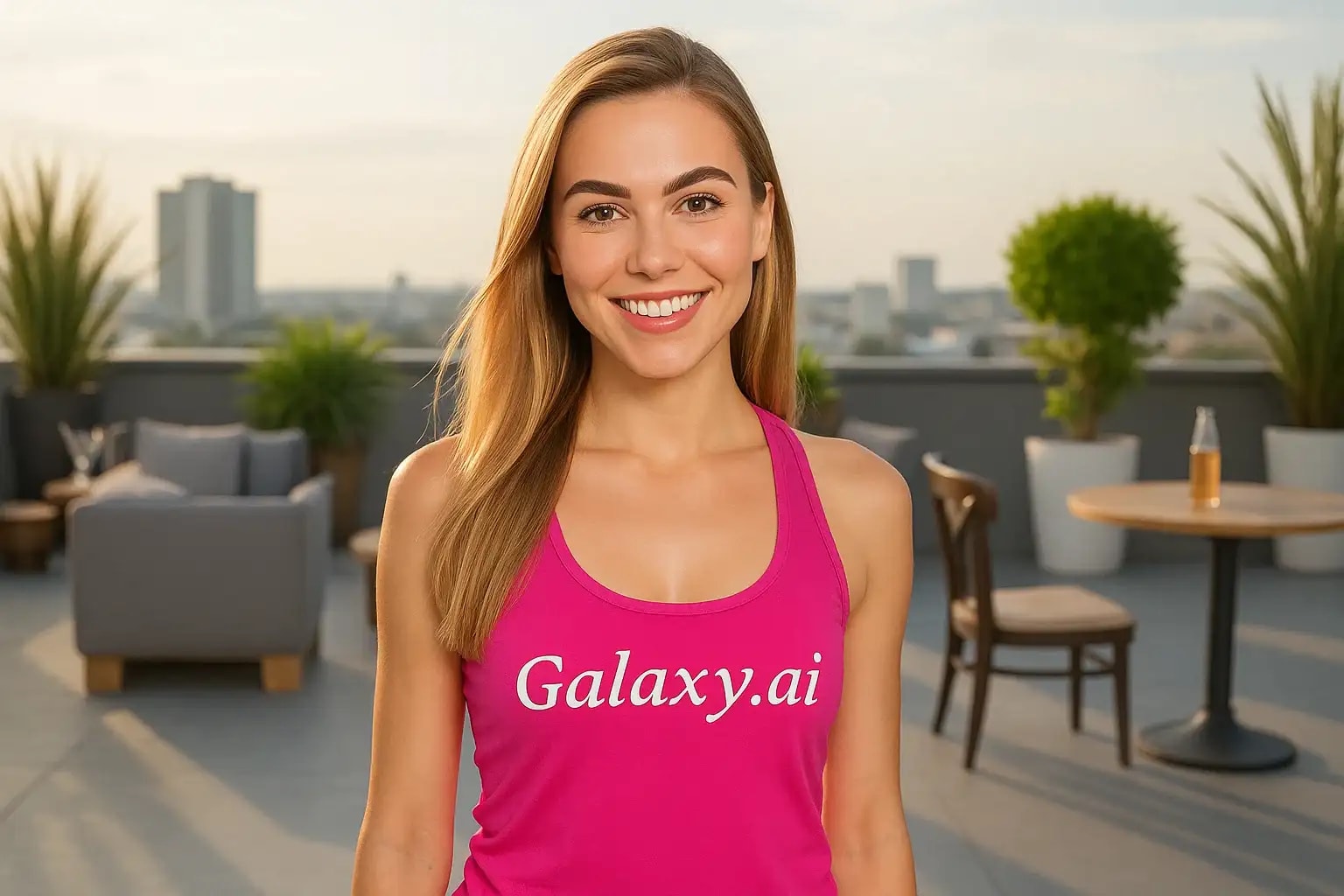
Compare the source image with each finished result.
Source image
Result
What Magica will ask for
The agent gathers these inputs and preferences in the conversation before it starts.
Upload Face Photo
attach a photo to apply the filter
Why Choose Our AI Eyebrow Filter?
Transform your eyebrows instantly with our advanced AI filter. Get perfectly shaped, natural-looking eyebrows that enhance your facial features!
Natural-looking eyebrow enhancement
Maintains facial symmetry and balance
Preserves your unique eyebrow shape
One-click instant transformation
AI-powered precise detection
No makeup skills required
Perfect for photos and social media
How Our Eyebrow Filter Works
Getting perfectly enhanced eyebrows is just a few clicks away:
01
Attach Your Photo
Choose a clear photo where your face and eyebrows are visible. Front-facing photos work best!
02
Apply the Filter
ask Magica to generate the result and watch as our AI enhances your eyebrows while maintaining a natural appearance.
03
Download & Share
Preview your enhanced look and download your transformed image in high resolution.
Key Features of the AI Eyebrow Filter
Smart Shape Enhancement
Intelligently enhances your natural eyebrow shape while maintaining facial harmony and balance.
Precise Detection
Advanced AI accurately identifies and enhances eyebrows while preserving their natural characteristics.
Natural Texture
Maintains realistic eyebrow texture and density for a natural, not overly processed look.
High-Resolution Output
Delivers crystal-clear results without compromising image quality.
Who Can Benefit from the Eyebrow Filter?
Our AI Eyebrow Filter is perfect for anyone looking to enhance their eyebrows or experiment with different looks.
Social Media Users
Perfect your eyebrows for selfies, profile pictures, and social media content.
Beauty Enthusiasts
Experiment with different eyebrow styles before committing to actual changes.
Models & Influencers
Quickly enhance photos for professional portfolios and social content.
Photographers
Offer eyebrow enhancement options in portrait photography sessions.
Makeup Artists
Create before/after previews for clients considering eyebrow services.
Content Creators
Enhance eyebrows for videos, tutorials, and digital content.
Tips for Best Eyebrow Enhancement Results
Tip 1
Use Well-Lit Photos
Ensure your photo has good lighting so the AI can clearly detect your eyebrow features.
Tip 2
Clear, Front-Facing Photos
Choose photos where your eyebrows are clearly visible and not obscured by hair or shadows.
Tip 3
High-Quality Images
Better input image quality leads to more detailed and natural-looking results.
Tip 4
Avoid Heavy Makeup
Natural or minimal eyebrow makeup in the original photo works best for realistic enhancement.
Frequently Asked Questions About Our Eyebrow Filter
How natural do the enhanced eyebrows look?
Our AI is trained to create natural-looking enhancements that complement your facial features while maintaining the basic shape and character of your original eyebrows.
Can I use this filter on group photos?
While the AI will attempt to enhance eyebrows on all detected faces, we recommend using individual portraits for the best and most consistent results.
Will it work with different eyebrow shapes and colors?
Yes! Our AI is trained on diverse eyebrow types and will enhance while respecting your natural eyebrow color and shape characteristics.
Does the filter maintain image quality?
Absolutely! We preserve the original image quality while only enhancing the eyebrow area, ensuring your photos remain crisp and clear.
Is my photo data safe?
We take privacy seriously. Your photos are processed securely, used only for the filtering process, and not stored long-term or used for other purposes.