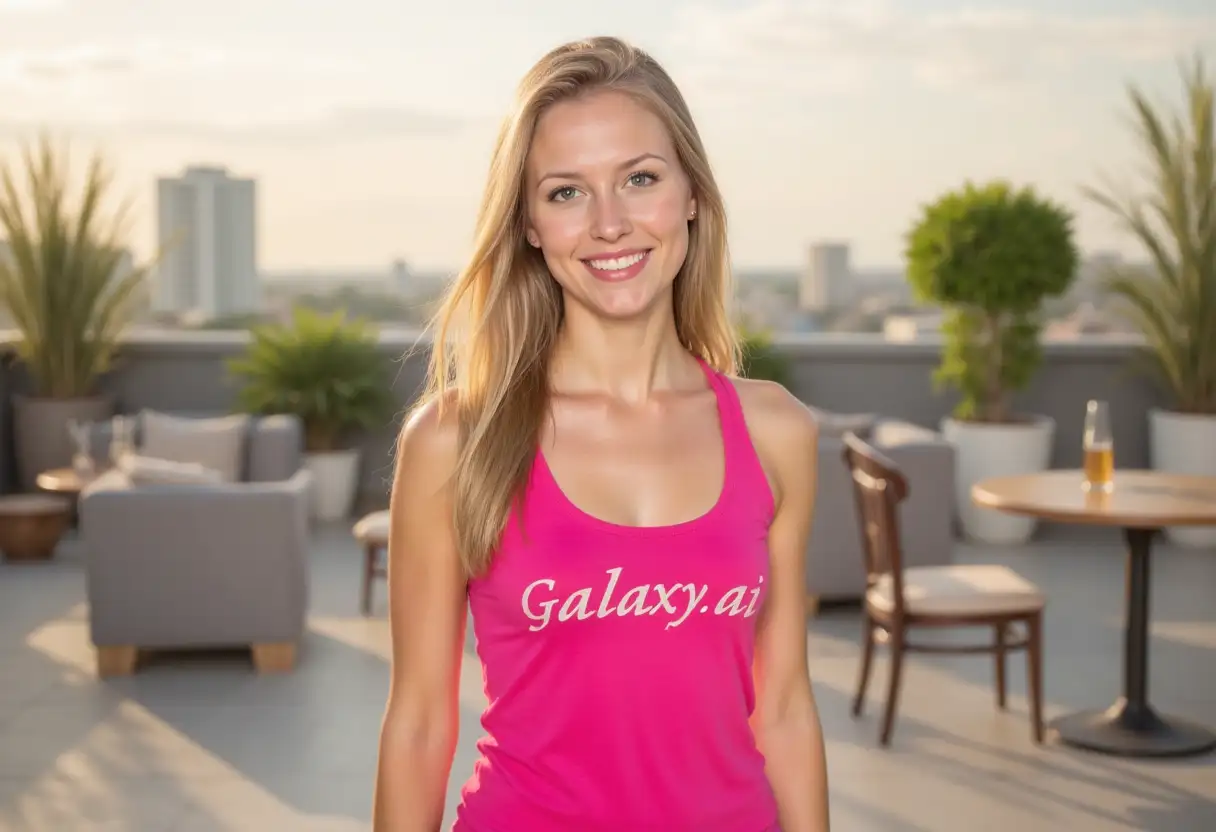
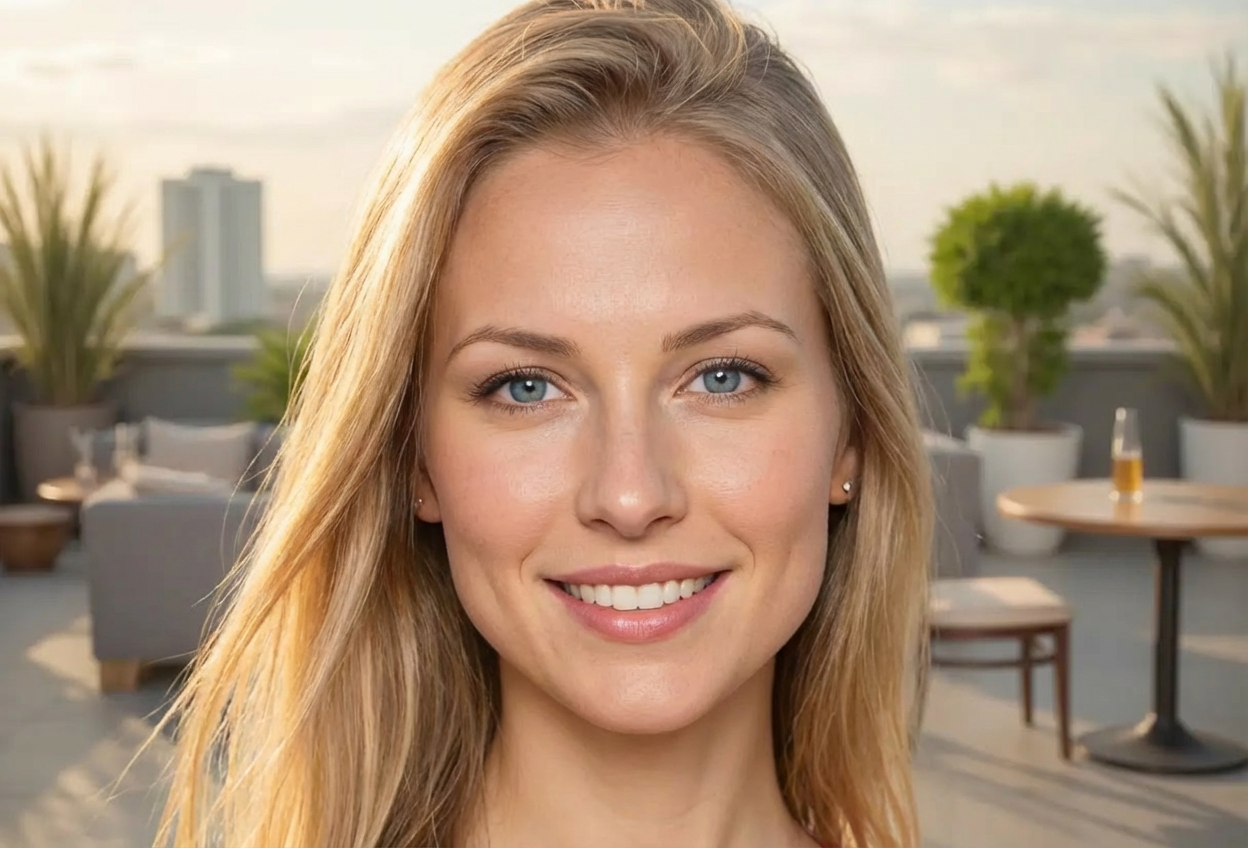
Upload images of the two faces you want to morph together. Clear, front-facing photos work best.
02
Configure Morph Settings
Choose your morph style, balance between faces, and quality level for the final result.
03
Generate & Download
Get your seamlessly morphed face instantly. Download and use for creative projects or fun.
Key Features of Face Morph
Intelligent Feature Alignment
AI automatically aligns facial features (eyes, nose, mouth) for smooth, natural-looking morphs.
Multiple Morph Styles
Choose from realistic, artistic, smooth, dramatic, or subtle blending for different effects.
Adjustable Balance
Control the contribution of each face from 50/50 equal blend to 80/20 dominant morphs.
Natural Transitions
Smooth blending of facial features, skin tones, and expressions for realistic results.
High Detail Quality
Preserve important facial details with standard, high, or ultra quality detail settings.
Instant Processing
Get professionally morphed faces in seconds without complex software or manual editing.
Who Can Benefit from Our Face Morph Tool?
This tool is perfect for various creative and entertainment purposes:
Content Creators
Create unique, attention-grabbing content with face morphs for videos, thumbnails, and social media.
Digital Artists
Experiment with face morphing as an artistic technique for creative portraits and compositions.
Photographers
Offer unique family blend portraits showing combined features of family members.
Entertainment Industry
Create concept art, character designs, and visual effects for media projects.
Fun & Entertainment
Have fun morphing faces of friends, family, or celebrities for entertaining results.
Genetic Visualization
Visualize potential offspring features by morphing parent faces together.
Tips for Better Face Morph Results
Tip 1
Use Clear, Front-Facing Photos
Best results come from clear, well-lit photos with faces directly facing the camera and minimal tilt.
Tip 2
Match Photo Angles
Use photos with similar angles and head positions for more seamless morphing and natural transitions.
Tip 3
Consider Lighting Conditions
Photos with similar lighting (both indoor or both outdoor) blend more naturally together.
Tip 4
Start with Equal Balance
Begin with 50/50 balance to see a true blend, then adjust if you want one face more dominant.
Tip 5
Choose Appropriate Morph Style
Use realistic for natural-looking results, artistic for creative projects, subtle for gentle blends.
Tip 6
Ensure Similar Image Quality
Use images with similar resolution and quality for best morphing results and detail preservation.
Tip 7
Experiment with Balance Settings
Try different balance ratios to find the perfect blend that achieves your desired result.
Frequently Asked Questions About Face Morph
How does face morphing work?
Our AI analyzes facial features in both images, aligns key points (eyes, nose, mouth), and seamlessly blends them together to create a morphed face that combines characteristics from both.
Can I control how much each face contributes to the morph?
Yes! You can adjust the morph balance from equal 50/50 blend to dominant ratios like 70/30 or 80/20, giving more prominence to one face over the other.
What types of photos work best?
Clear, front-facing photos with good lighting work best. Photos should show the full face without obstructions like sunglasses or hands.
What morph styles are available?
We offer several styles including seamless blend, realistic morph, artistic blend, smooth transition, dramatic fusion, and subtle blend - each creating different visual effects.
Will the morphed face look realistic?
Yes! Our AI creates natural-looking morphs with smooth transitions between features, realistic skin tones, and proper facial proportions.
Can I morph faces with different skin tones?
Absolutely! The tool handles different skin tones beautifully, blending them naturally in the morphed result.
Do the faces need to be the same gender?
No! You can morph any two faces together regardless of gender. The AI creates interesting blends that combine features from both.
How do I get the best quality results?
Use high-resolution photos with similar lighting and angles. Select 'High Detail' or 'Ultra Detail' quality settings for maximum detail preservation.
Can I morph more than two faces?
Each morph combines two faces. To create multi-face morphs, you can morph the result with additional faces in multiple steps.
What's the difference between realistic and artistic styles?
Realistic style aims for natural-looking results that could pass as a real person, while artistic style creates more creative, stylized blends with enhanced features.
How long does face morphing take?
Face morphing is typically very fast, taking just a few seconds to process and create your blended result.
Can I use morphed faces commercially?
You can use the morphed images you create, but ensure you have rights to the original photos you're morphing together.