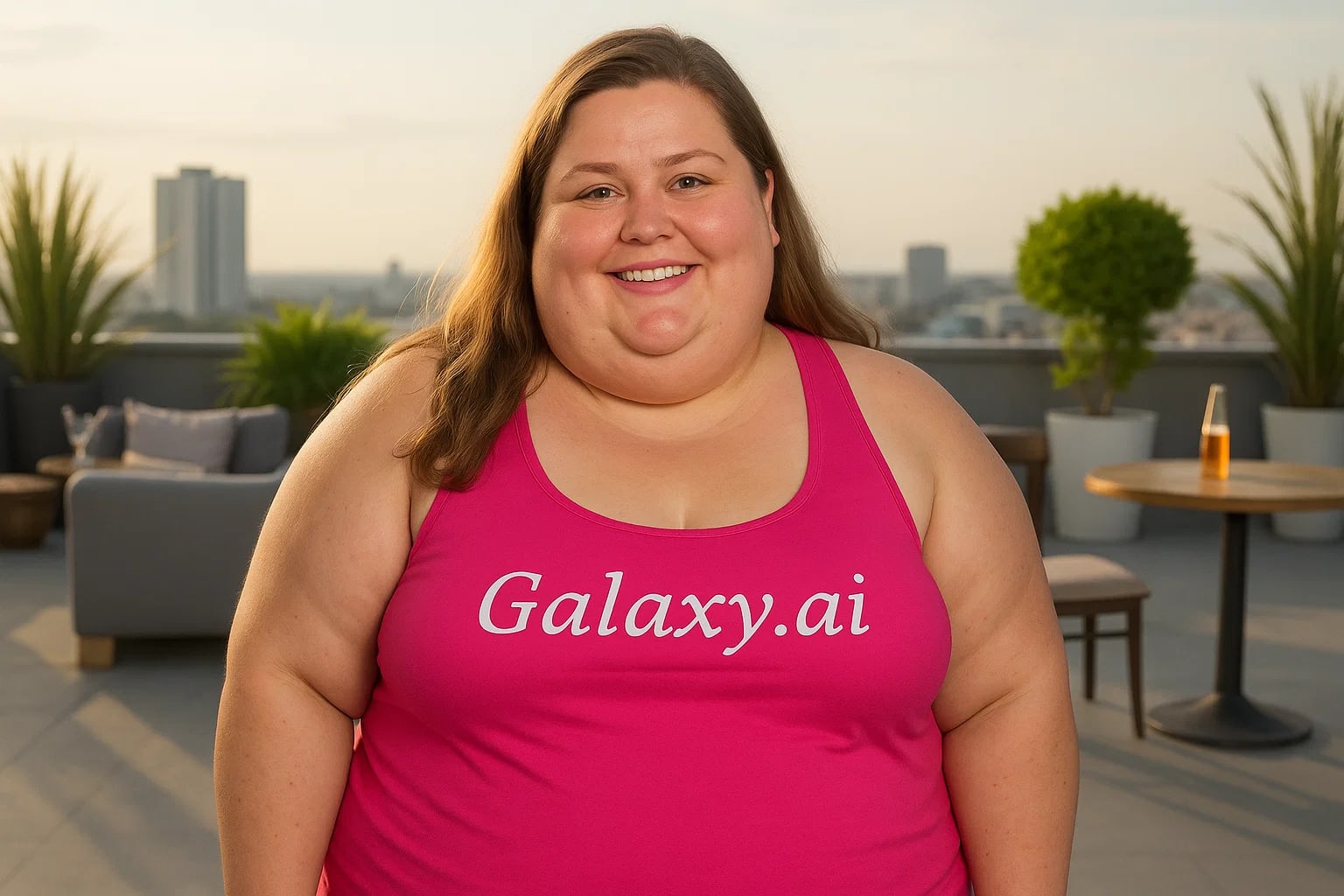
Compare the source image with each finished result.
Source image
Result
What Magica will ask for
The agent gathers these inputs and preferences in the conversation before it starts.
Upload Face Photo
attach a photo to apply the filter
Why Choose Our AI Fat Filter?
Experience a realistic preview of how you might look with added weight using our advanced AI technology. Perfect for visualization and creative transformations!
Realistic weight appearance transformation
Preserves facial features and identity
Maintains natural skin texture and lighting
Simple one-click operation
Fast AI-powered processing
No photo editing skills needed
Great for visualization and creative projects
How Our Fat Filter Works
Transform your appearance with added weight in just a few simple steps:
01
Attach Your Photo
Select and attach a clear photo showing your face. Front-facing portraits work best!
02
Apply the Filter
ask Magica to generate the result and watch as our AI adds realistic weight to your appearance.
03
Download & Share
Preview your transformed look and download the high-quality image.
Key Features of the AI Fat Filter
Natural Weight Distribution
Applies realistic weight gain patterns that maintain proportional facial features and natural appearance.
Smart Face Recognition
Advanced AI accurately detects facial features to ensure realistic and consistent transformation.
Texture Preservation
Maintains natural skin texture, complexion, and lighting for authentic results.
High-Quality Output
Generates high-resolution images that maintain the original photo's quality.
Who Can Benefit from the Fat Filter?
Our AI Fat Filter serves various creative and practical purposes for different users.
Actors & Performers
Visualize character transformations and potential roles requiring weight changes.
Content Creators
Create engaging before-and-after style content or creative transformations.
Costume Designers
Preview how costumes and makeup might look with different body types.
Photographers
Create unique portrait series or explore creative transformations.
Special Effects Artists
Quick visualization tool for makeup and prosthetic planning.
General Users
Explore different appearances or create fun transformations for social media.
Tips for Best Results with AI Fat Filter
Tip 1
Use High-Quality Photos
Clear, well-lit photos produce the most realistic and natural-looking results.
Tip 2
Choose Front-Facing Poses
Direct face shots work best for the most accurate transformations.
Tip 3
Avoid Complex Backgrounds
Simple backgrounds help the AI focus on facial transformation details.
Tip 4
Keep Natural Expression
Natural, relaxed facial expressions yield the most realistic results.
Frequently Asked Questions About Our Fat Filter
How realistic is the fat filter transformation?
Our AI is designed to create natural-looking weight transformations while preserving your key facial features and identity. The results aim to be realistic while maintaining proper proportions and skin texture.
Can I use group photos?
While the AI will attempt to process all faces in a photo, we recommend using single-person portraits for the most accurate and consistent results.
Will the filter affect the background of my photo?
No, the filter is designed to only modify facial and body features while leaving the background unchanged.
Does it maintain image quality?
Yes, our filter preserves the original photo's resolution and quality while applying the transformation.
Is my privacy protected when using this tool?
Absolutely. We prioritize user privacy and security. Your uploaded photos are only used for the filtering process and are not stored long-term or used for other purposes.