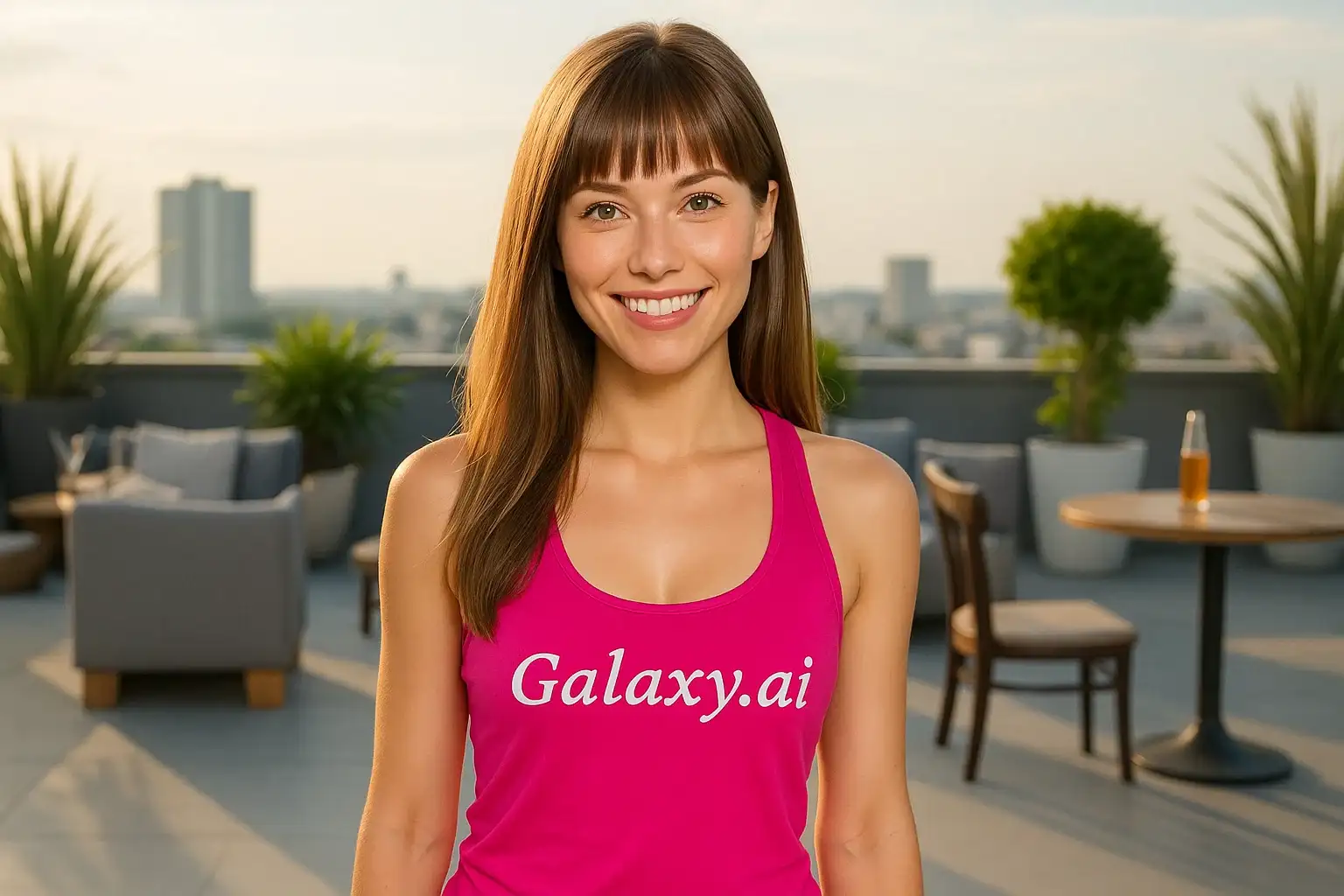
Compare the source image with each finished result.
Source image
Result
What Magica will ask for
The agent gathers these inputs and preferences in the conversation before it starts.
Attach Your Photo
attach a photo to apply the filter
Why Choose Our AI Fringe Hair Filter?
Transform your look with stylish fringe bangs using our advanced AI. See how you'd look with a trendy fringe hairstyle before committing to the cut!
Natural-looking fringe bangs that suit your face
Maintains your original hair color and texture
Instant hairstyle preview before cutting
Perfect blend with your existing hair
High-quality AI processing
No hair salon commitment needed
Great for trying new hairstyles risk-free
How Our Fringe Hair Filter Works
Preview yourself with trendy fringe bangs in three simple steps:
01
Attach Your Photo
Select a clear photo where your face and hair are clearly visible. Front-facing photos with hair pulled back or visible forehead work best!
02
Apply the Filter
ask Magica to generate the result and watch as our AI adds stylish fringe bangs to your hairstyle, maintaining your natural look.
03
Download & Share
Preview your new fringe hairstyle and download your transformed photo to decide if you want the real thing!
Key Features of the AI Fringe Hair Filter
Natural Fringe Bangs
Creates realistic fringe bangs that look like a professional haircut, perfectly suited to your face shape.
Hair Color Matching
Automatically matches your existing hair color and texture for a seamless, natural appearance.
Smart Face Detection
Advanced AI recognizes your facial features to create fringe that flatters your face shape.
High-Quality Results
Generates high-resolution images perfect for sharing or showing your hairstylist.
Instant Preview
See your new look in seconds without the commitment of cutting your hair.
Style Flexibility
Experiment with fringe styles risk-free before making a permanent change.
Who Can Benefit from the Fringe Hair Filter?
Our AI Fringe Hair Filter is perfect for anyone curious about how they'd look with bangs or wanting to try a new hairstyle.
Hairstyle Explorers
Test out fringe bangs before committing to the cut, saving time and potential regret.
Social Media Users
Create fresh profile pictures with a trendy new hairstyle for Instagram, TikTok, or other platforms.
Salon Clients
Show your hairstylist exactly what you want by visualizing the fringe style beforehand.
Fashion Enthusiasts
Experiment with trendy fringe hairstyles to match your fashion aesthetic.
Beauty Bloggers
Create hairstyle transformation content for beauty blogs or vlogs.
Personal Stylists
Help clients visualize different hairstyle options before making recommendations.
Tips for the Best Fringe Hair Results
Tip 1
Use Photos with Visible Forehead
Photos where your forehead is clearly visible help the AI create more accurate and natural-looking fringe bangs.
Tip 2
Clear, Well-Lit Photos Work Best
Ensure your photo has good lighting and your face and hair are in focus for optimal results.
Tip 3
Front-Facing Angles Are Ideal
Photos taken from the front provide the best view for adding fringe bangs that suit your face shape.
Tip 4
Try Different Original Hairstyles
Experiment with photos where your hair is up, down, or styled differently to see various fringe combinations.
Tip 5
High-Resolution Images Produce Better Results
Better quality input photos result in more detailed and realistic fringe transformations.
Frequently Asked Questions About Our Fringe Hair Filter
Will the fringe look natural on my face shape?
Yes! Our AI analyzes your facial features and face shape to create fringe bangs that complement your appearance naturally. The result is a realistic preview of how fringe would actually look on you.
Can I use this to show my hairstylist what I want?
Absolutely! Many users save their transformed photos to show their hairstylist exactly the fringe style they're looking for. It's a great communication tool for getting the haircut you want.
Will it match my hair color and texture?
Yes, our AI automatically matches your existing hair color, texture, and style to create fringe bangs that blend seamlessly with your natural hair.
What types of photos work best?
The filter works best on clear, front-facing photos where your face and forehead are clearly visible. Good lighting and high-resolution images produce the most realistic results.
Is this as accurate as actually cutting bangs?
While our AI provides a highly realistic preview, remember that actual haircuts can vary based on your hair type, the stylist's technique, and how your hair naturally falls. This tool is best used as a visualization aid to help you decide if fringe is right for you.
Can I try different fringe styles?
The filter applies a flattering fringe style based on your face shape. For the best preview, try uploading different photos with various expressions and angles to see how the fringe looks from multiple perspectives.
Is my photo safe and private?
Yes, we prioritize user privacy. Your photos are used only for the transformation process and are not stored long-term or used for other purposes.
How long does it take to see results?
The transformation is nearly instant! After uploading your photo and clicking generate, you'll see your new fringe hairstyle in just a few seconds.