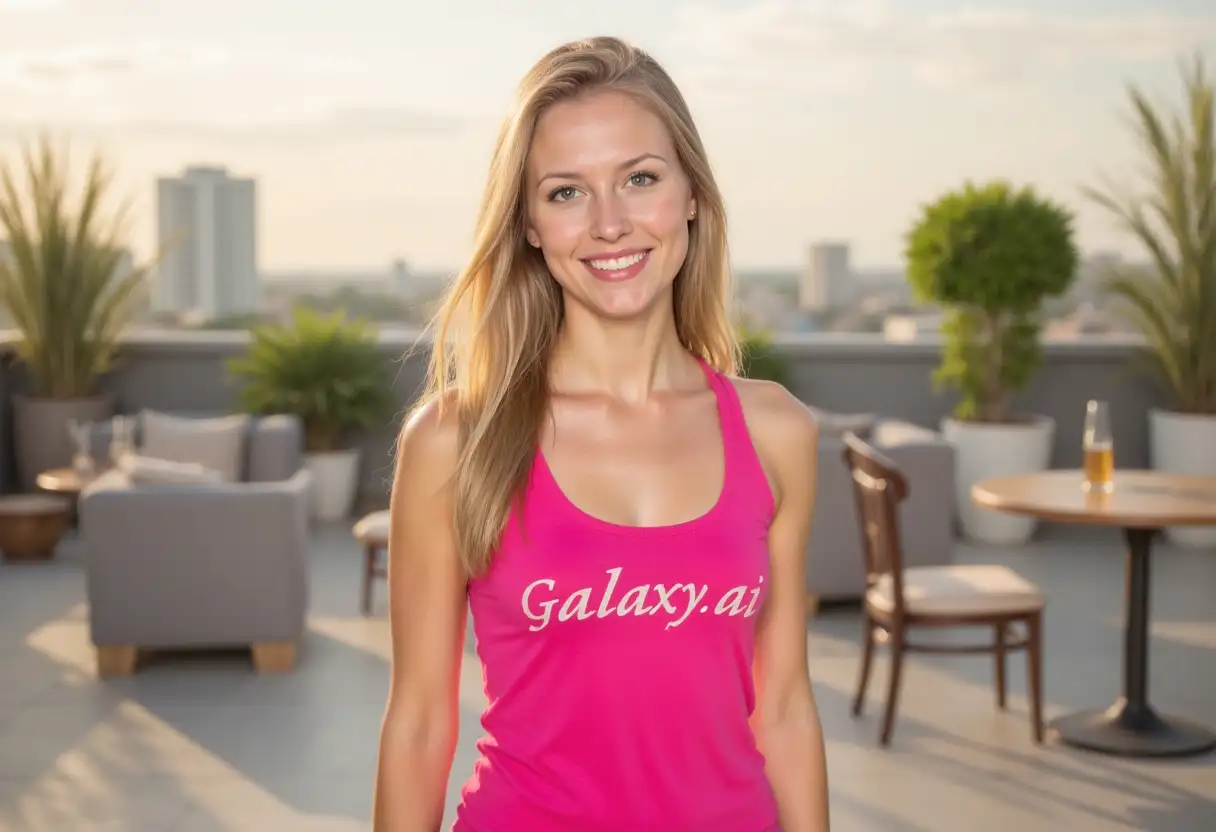
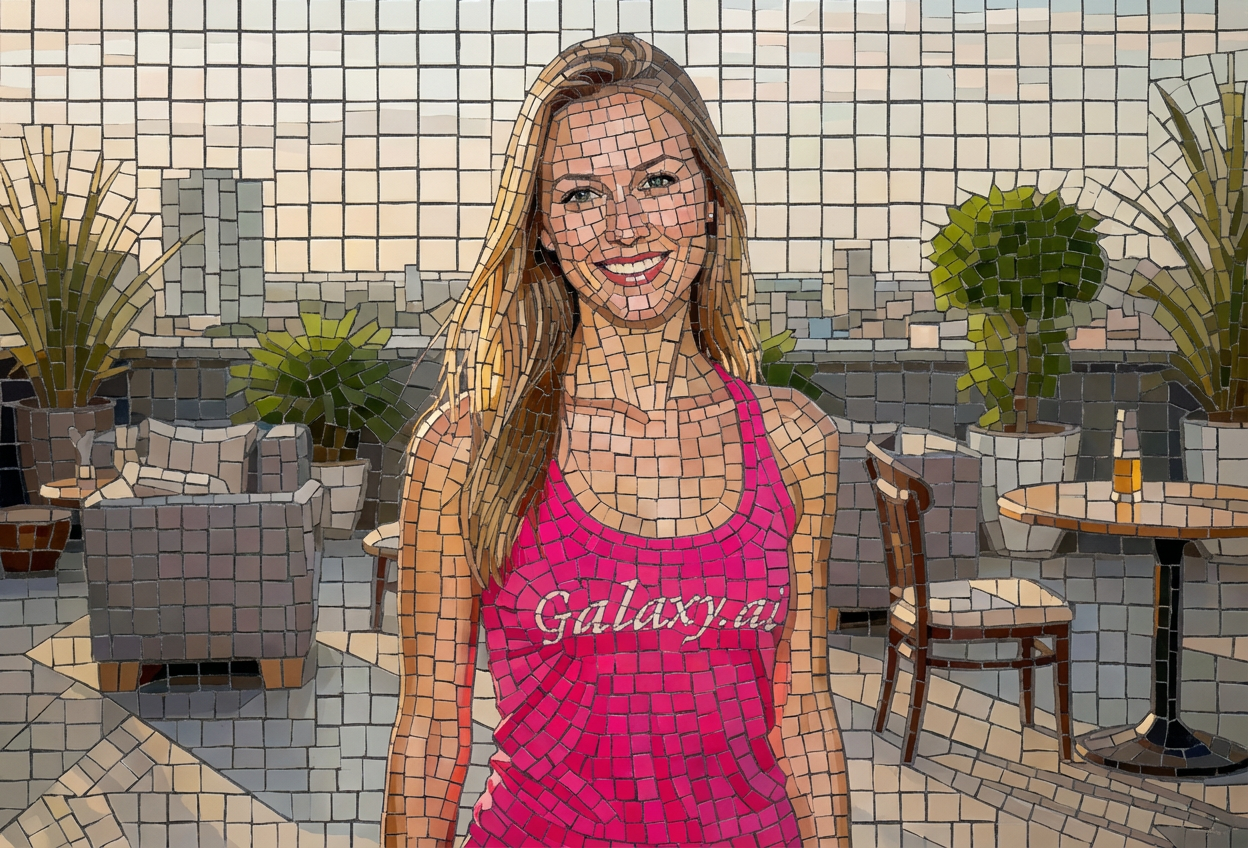
Create beautiful photo mosaics in three simple steps:
01
Attach Your Image
Upload any photo or image you want to transform into a mosaic. Works with portraits, landscapes, or any visual.
02
Choose Mosaic Settings
Select your mosaic style, tile size, and color scheme. Customize to match your artistic vision.
03
Generate & Download
Get your stunning mosaic artwork instantly. Download in high resolution for printing or display.
Key Features of Mosaic Maker
Multiple Mosaic Styles
Choose from classic, photo collage, geometric, glass tile, pixel art, stained glass, and ceramic styles.
Flexible Tile Sizes
Adjust tile size from tiny (high detail) to extra large (abstract) for different artistic effects.
Custom Color Palettes
Apply vibrant, pastel, monochrome, warm, cool, or rainbow color schemes to your mosaic.
Intelligent Composition
AI arranges tiles to maintain recognizable forms while creating beautiful mosaic patterns.
High-Resolution Output
Get professional-quality mosaics suitable for large prints, posters, and displays.
Instant Creation
Generate complex mosaic artwork in seconds without manual tile placement or design skills.
Who Can Benefit from Our Mosaic Maker?
This tool is perfect for anyone looking to create mosaic artwork:
Artists & Designers
Create unique mosaic art pieces and explore tile-based compositions for projects.
Photographers
Transform photos into mosaic art for exhibitions, prints, and creative presentations.
Interior Decorators
Design custom mosaic artwork for walls, murals, and decorative installations.
Event Planners
Create memorable photo mosaics for weddings, parties, and corporate events.
Marketing Teams
Produce eye-catching mosaic visuals for campaigns, posters, and promotional materials.
DIY Enthusiasts
Create unique wall art and decorative pieces with mosaic-style transformations.
Tips for Better Mosaic Results
Tip 1
Choose Appropriate Tile Size
Use tiny/small tiles for detailed images, medium for balance, large for abstract artistic effects.
Tip 2
Consider Image Complexity
Simple, high-contrast images work well with larger tiles. Complex images benefit from smaller tiles.
Tip 3
Match Style to Purpose
Use photo collage for personal projects, geometric for modern art, stained glass for decorative pieces.
Tip 4
Experiment with Color Schemes
Original colors preserve the image, vibrant adds energy, monochrome creates dramatic effect.
Tip 5
Use High-Resolution Source Images
Better source images result in higher quality mosaics, especially for large prints.
Tip 6
Test Different Styles
The same image can look dramatically different with various mosaic styles - experiment freely.
Tip 7
Consider Final Display Size
For large displays, larger tiles work well. For detailed viewing, smaller tiles maintain clarity.
Frequently Asked Questions About Mosaic Maker
What types of mosaic styles can I create?
You can create several mosaic styles including classic mosaic, photo collage mosaic, geometric tiles, glass tile effect, pixel art mosaic, stained glass, and ceramic tile styles.
How do I control the detail level in my mosaic?
Use the tile size setting - tiny tiles create high detail, small tiles balance detail and mosaic effect, medium is standard, large creates more abstract looks, and extra large produces highly abstract mosaics.
Can I change the color scheme of my mosaic?
Yes! Choose from original colors, vibrant & bold, pastel tones, monochrome, warm colors, cool colors, or rainbow spectrum to transform the color palette.
What image types work best for mosaics?
Almost any image works! Portraits, landscapes, objects, and artwork all create interesting mosaics. High-contrast images often produce striking results.
Will the original image still be recognizable?
Yes! The AI arranges tiles to maintain the recognizable forms and composition of your original image while creating the mosaic effect.
Can I use mosaics for large prints?
Absolutely! The tool creates high-resolution mosaics perfect for large prints, posters, and wall displays.
What's the difference between photo collage and classic mosaic?
Classic mosaic uses solid-color tiles mimicking traditional mosaics. Photo collage mosaic uses tiny photos as tiles, creating a picture made of pictures.
How does the stained glass style work?
Stained glass style creates tiles with translucent, colored glass effects and dark borders, resembling traditional stained glass artwork.
Can I create pixel art style mosaics?
Yes! The pixel art mosaic style creates retro, pixelated effects similar to classic video game graphics.
Do I need design experience?
Not at all! Simply attach your image, choose your preferences, and the AI creates professional mosaic artwork automatically.
How long does mosaic generation take?
Mosaic generation is fast, typically taking just a few seconds to process and create your artistic mosaic.
Can I use mosaics commercially?
You can use the mosaics you create, but ensure you have rights to the original image you're transforming into a mosaic.