Source image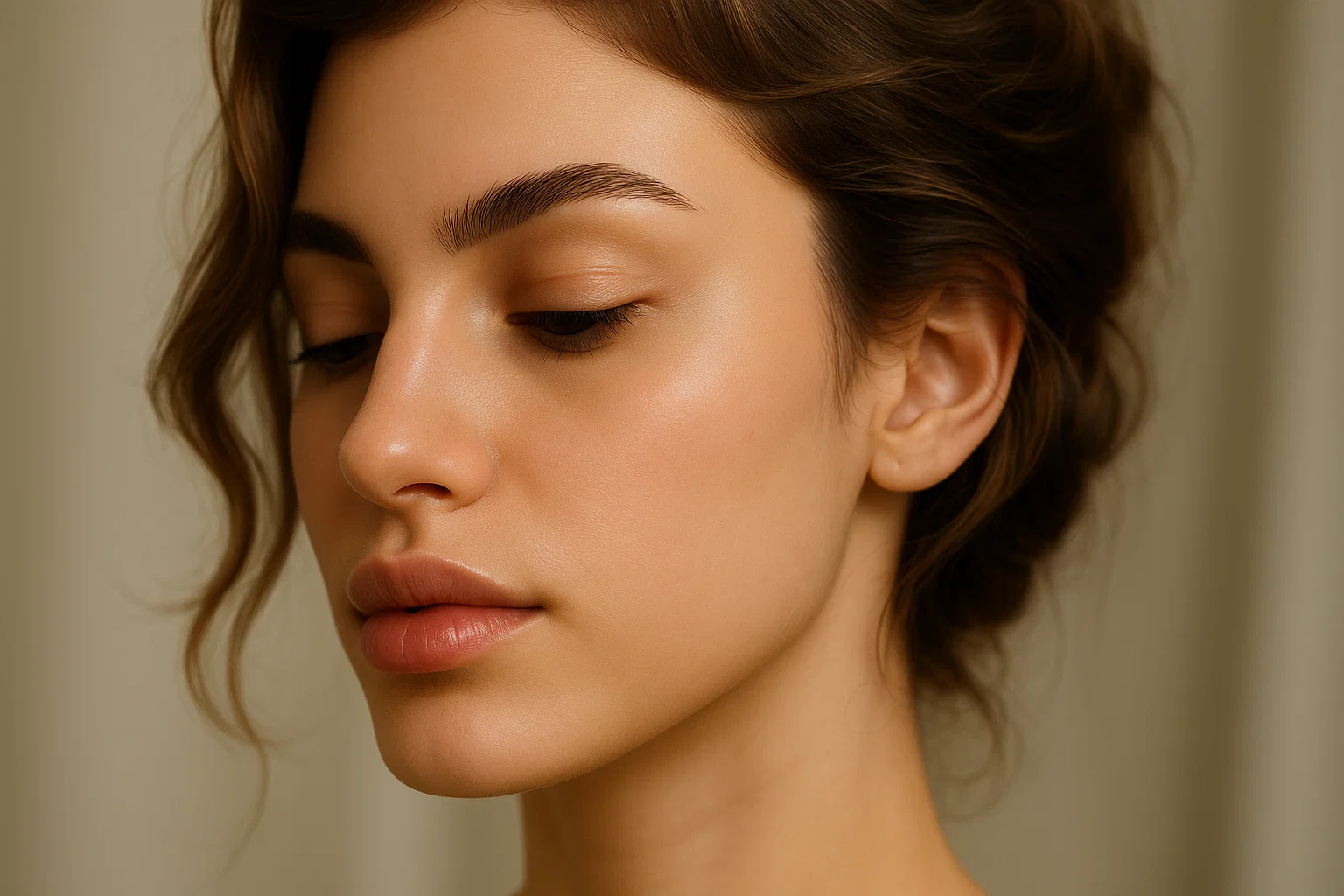
Result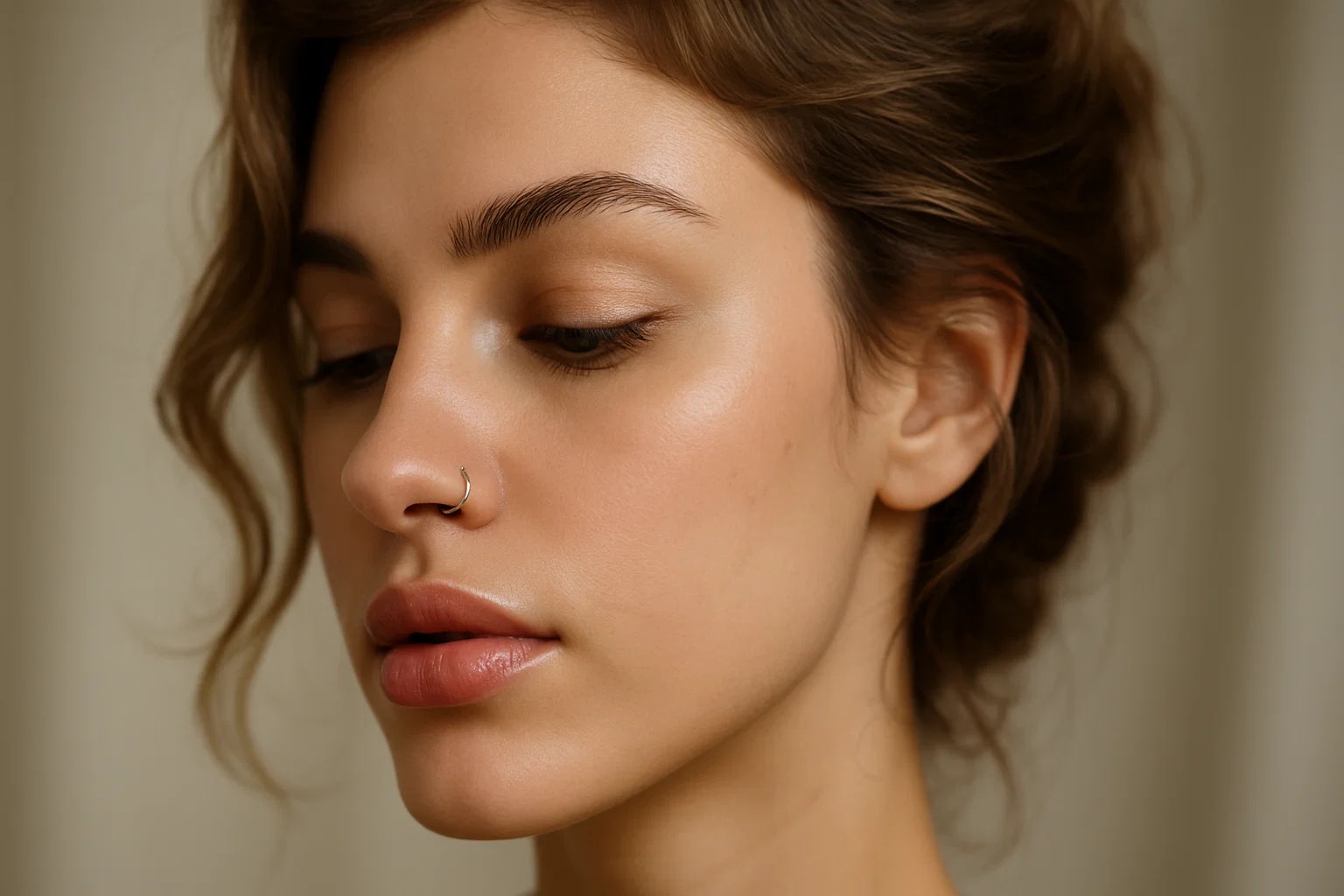

Add a realistic nose piercing using AI technology.
Compare the source image with each finished result.
The agent gathers these inputs and preferences in the conversation before it starts.
attach a photo to apply the filter
Instantly visualize how you'd look with a nose piercing using our advanced AI. Try different styles without the commitment!
Visualizing yourself with a nose piercing is quick and easy:
Select a clear photo where your nose is visible. Front-facing portraits work best!
ask Magica to generate the result and watch as our AI adds a realistic nose piercing to your photo.
Love your new look? Download the image and share it with friends!
Choose from elegant studs and rings that look natural and professionally placed.
Our AI accurately identifies the ideal spot for the piercing based on facial features.
The piercing automatically adjusts to match your photo's lighting and shadows.
Receive high-resolution images that maintain the original photo quality.
Our AI Nose Piercing Filter is perfect for anyone curious about getting a nose piercing or wanting to experiment with their look.
See how you'd look with a nose piercing before making the commitment.
Create engaging content showing different piercing styles.
Try different piercing styles risk-free to find your perfect look.
Add realistic piercings to complete character transformations.
Offer clients piercing visualization options during photo sessions.
Create diverse style content with different piercing looks.
Ensure your nose is clearly visible and well-lit for the most realistic results.
Choose photos where your nose is clearly visible from the front or side.
Better quality input photos result in more realistic piercing effects.
Avoid photos with heavy filters or effects for the most natural look.
Our AI creates highly realistic piercings that match your skin tone, lighting, and facial features. The results look natural and professionally done.
The AI automatically selects the most suitable piercing style (stud or ring) based on your facial features and photo angle.
The filter works best with single-person photos where the face is clearly visible. For best results, use individual portraits.
Yes! Our AI is trained to work with all skin tones and adjusts the piercing appearance accordingly for natural-looking results.
We prioritize your privacy. Photos are only used for generating the piercing effect and are not stored long-term or used for other purposes.


