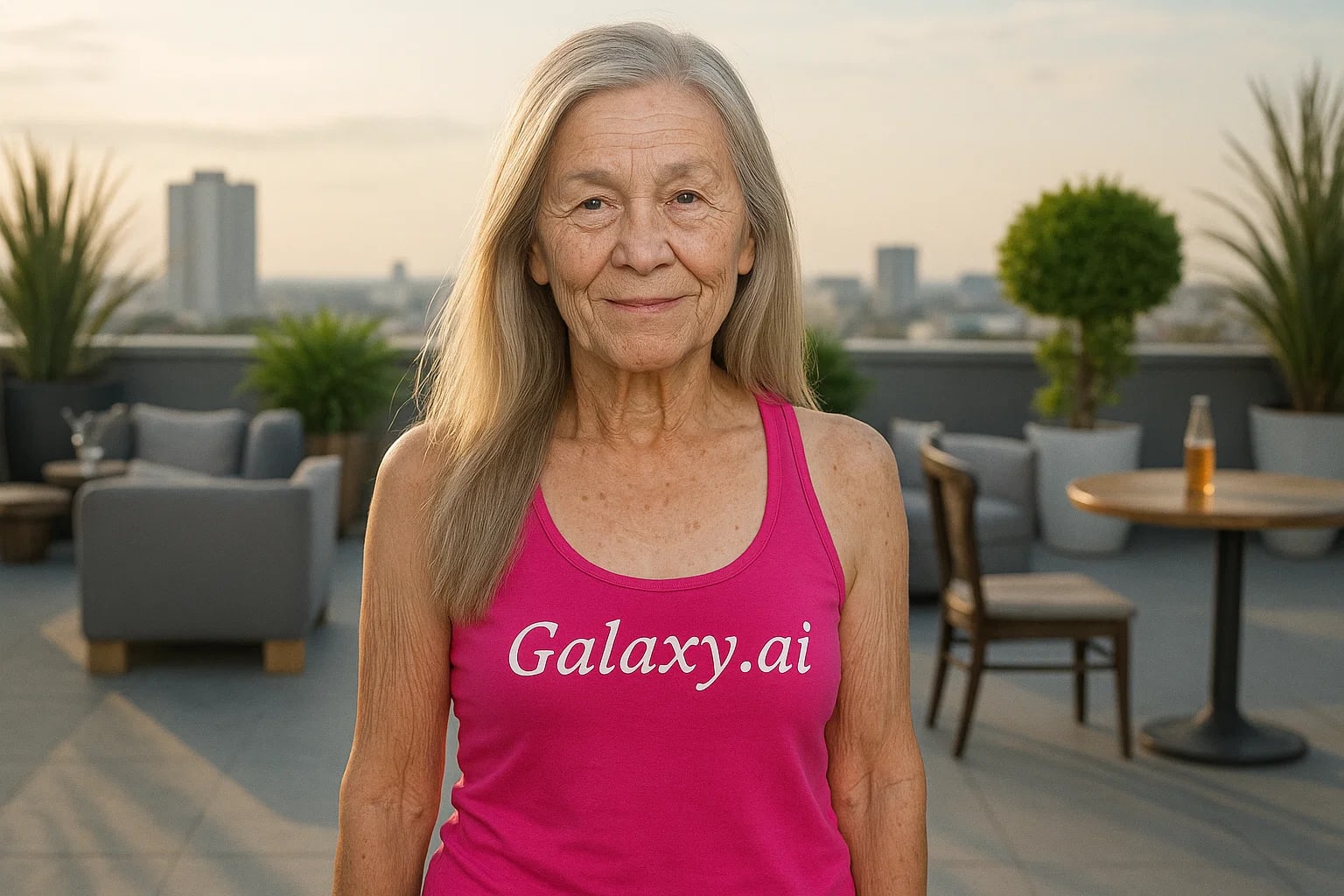
Compare the source image with each finished result.
Source image
Result
What Magica will ask for
The agent gathers these inputs and preferences in the conversation before it starts.
Upload Face Photo
attach a photo to apply the filter
Why Choose Our AI Old Age Filter?
Experience a glimpse into your future with our advanced AI aging technology. See yourself or others aged naturally and realistically with just one click!
Hyper-realistic aging transformation
Preserves facial features and identity
Natural wrinkles and age-related changes
Maintains original photo quality
Instant processing with AI technology
No technical skills required
Perfect for curiosity and creative projects
How Our Old Age Filter Works
Transform any photo into a realistic aged version in three simple steps:
01
Attach Your Photo
Select a clear, well-lit photo showing the face. Front-facing portraits work best!
02
Apply the Filter
ask Magica to generate the result and watch as our AI adds natural aging features like wrinkles and grey hair.
03
Download & Share
Preview your aged appearance and download the high-quality result.
Key Features of the AI Old Age Filter
Natural Aging Effects
Adds realistic wrinkles, age spots, and grey hair while maintaining natural facial features.
Smart Face Analysis
Our AI analyzes facial features to apply age-appropriate changes that look authentic.
Identity Preservation
Maintains core facial characteristics ensuring you're still recognizable in the aged version.
High-Resolution Output
Delivers crystal-clear results without compromising the original image quality.
Who Can Benefit from the Old Age Filter?
Our AI Old Age Filter serves various creative and practical purposes for different users.
Film & Theater
Visualize character aging for makeup reference or pre-production planning.
Content Creators
Create engaging before-and-after content or age-progression reveals.
Family Fun
Have fun seeing how family members might look in their golden years.
Photographers
Create unique portrait series showing the same subject across different ages.
Personal Interest
Satisfy curiosity about how you or loved ones might look in the future.
Time Capsule Projects
Create interesting comparisons for time capsule or anniversary projects.
Tips for Best Aging Results
Tip 1
Choose Clear Photos
Use high-quality, well-lit photos where facial features are clearly visible.
Tip 2
Front-Facing is Best
Direct front or slightly angled face shots produce the most realistic aging effects.
Tip 3
Neutral Expression
Photos with neutral expressions allow for more natural-looking age features.
Tip 4
Avoid Heavy Makeup
Natural, minimal makeup photos work best for realistic aging effects.
Frequently Asked Questions About Our Old Age Filter
How realistic is the aging effect?
Our AI creates highly realistic aging effects by analyzing facial features and applying natural age-related changes like wrinkles, age spots, and grey hair while maintaining your core facial characteristics.
Can I use group photos?
While the AI will attempt to age all faces in the photo, we recommend using individual portraits for the most accurate and consistent results.
Does it work on all ages?
Yes, the filter can age people of any age, though results are most dramatic and realistic when starting with photos of younger to middle-aged adults.
Will it affect image quality?
No, this Magica workflow maintains the original photo's resolution and quality while applying the aging effects.
Is my privacy protected?
Yes, we take privacy seriously. Your photos are only used for the aging process and are not stored long-term or used for other purposes.