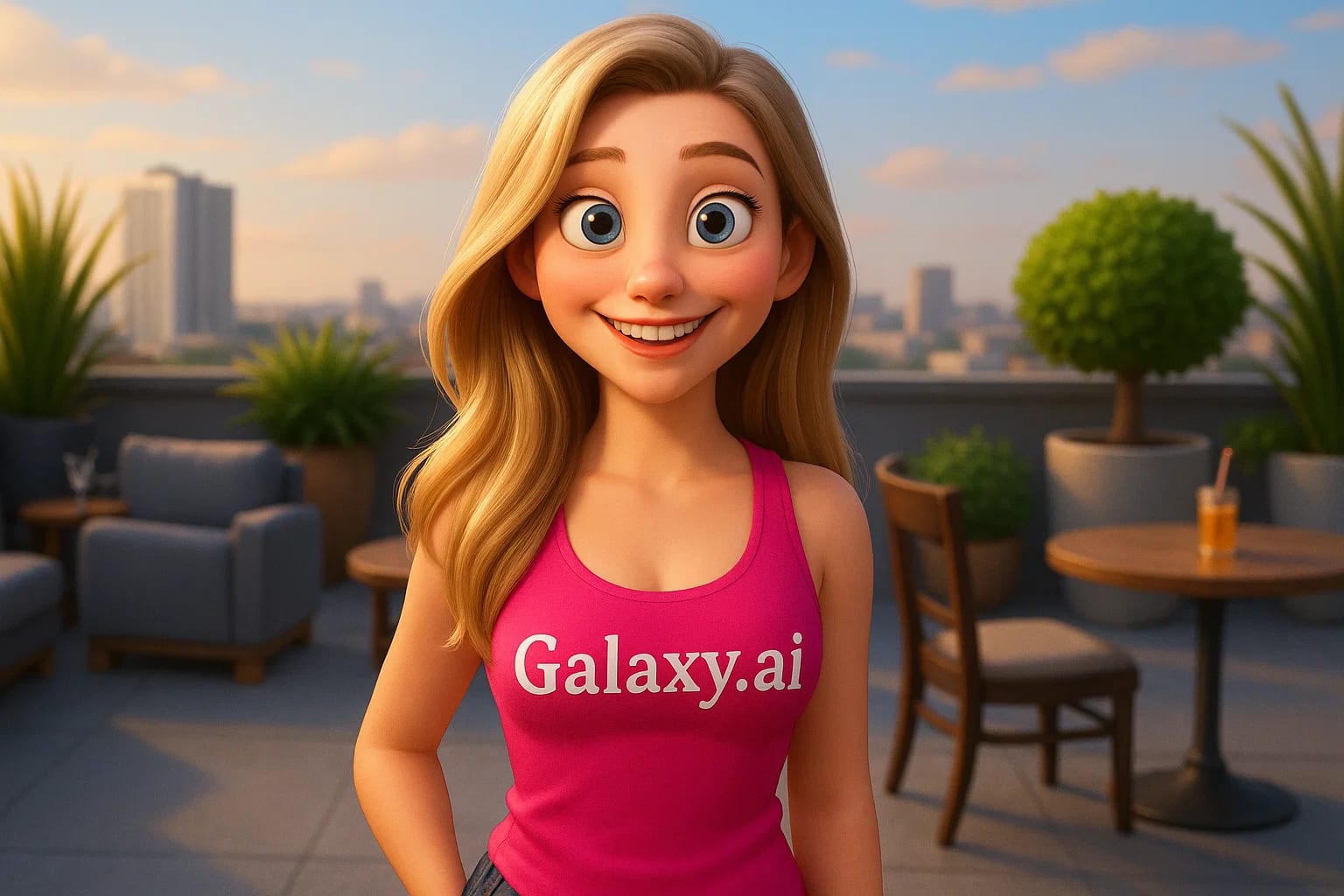
Compare the source image with each finished result.
Source image
Result
What Magica will ask for
The agent gathers these inputs and preferences in the conversation before it starts.
Upload Photos
attach a photo to apply the filter
Why Choose Our AI Pixar Filter?
Transform your photos into stunning Pixar-style 3D animated characters with our advanced AI. See yourself reimagined in the iconic Pixar animation style!
Authentic Pixar-style transformation
Preserves facial features and expressions
Applies signature 3D animated look
One-click magical transformation
Ultra-fast AI processing
No animation skills needed
Perfect for social media and fun edits
How Our Pixar Filter Works
Creating your Pixar-style character portrait is incredibly simple:
01
Attach Your Photo
Select and attach a clear photo of yourself or someone else. Front-facing portraits work best!
02
Apply the Filter
ask Magica to generate the result and watch as our AI transforms your photo into a Pixar-style character.
03
Download & Share
Preview your animated transformation and download your Pixar-style portrait.
Key Features of the AI Pixar Filter
Authentic Pixar Style
Captures the signature Pixar look with smooth textures, exaggerated features, and vibrant colors.
Smart Feature Recognition
Advanced AI accurately identifies and preserves key facial characteristics while applying the animation style.
Expression Preservation
Maintains the original photo's emotion and expression in the animated version.
High-Quality Output
Generates detailed, high-resolution Pixar-style portraits perfect for sharing.
Who Can Benefit from the Pixar Filter?
Our AI Pixar Filter is perfect for anyone who wants to see themselves or others as a Pixar character!
Social Media Users
Create unique profile pictures and posts that stand out with Pixar-style charm.
Content Creators
Generate eye-catching animated-style content for your audience.
Families & Kids
Turn family photos into fun Pixar-style portraits that children will love.
Photographers
Offer clients unique animated portraits as a creative add-on service.
Animation Enthusiasts
See how you'd look in your favorite Pixar movie without 3D modeling skills.
Artists
Get inspiration for character designs or create Pixar-style reference images.
Tips for the Best Pixar Transformation
Tip 1
Choose Clear, Well-Lit Photos
Use photos with good lighting and clear facial features for the best transformation.
Tip 2
Front-Facing Portraits Are Ideal
Photos where the subject faces the camera directly work best for the Pixar style.
Tip 3
Use High-Quality Images
Better input photo quality leads to more detailed and polished Pixar-style results.
Tip 4
Express Yourself
Photos with clear expressions will translate better into the animated style.
Frequently Asked Questions About Our Pixar Filter
How accurate is the Pixar-style transformation?
Our AI is trained to capture the essence of Pixar's signature style while maintaining your unique features. The result is a high-quality blend of your actual appearance and the characteristic Pixar animation look.
Can I use photos with multiple people?
Yes, the AI will attempt to transform all visible faces in the photo. However, for the best results, we recommend using single-person portraits.
Will my transformed image look exactly like a Pixar character?
The filter creates a stylized version inspired by Pixar's aesthetic, incorporating their signature features like exaggerated expressions and smooth 3D rendering, while maintaining your recognizable features.
What type of photos work best with this filter?
Front-facing portraits with good lighting and clear facial features work best. The subject should have a visible face without heavy shadows or obstructions.
Is my photo data safe?
Yes, we take privacy seriously. Your photos are only used for the transformation process and are not stored long-term or used for other purposes. You can download your Pixar-style image immediately after generation.