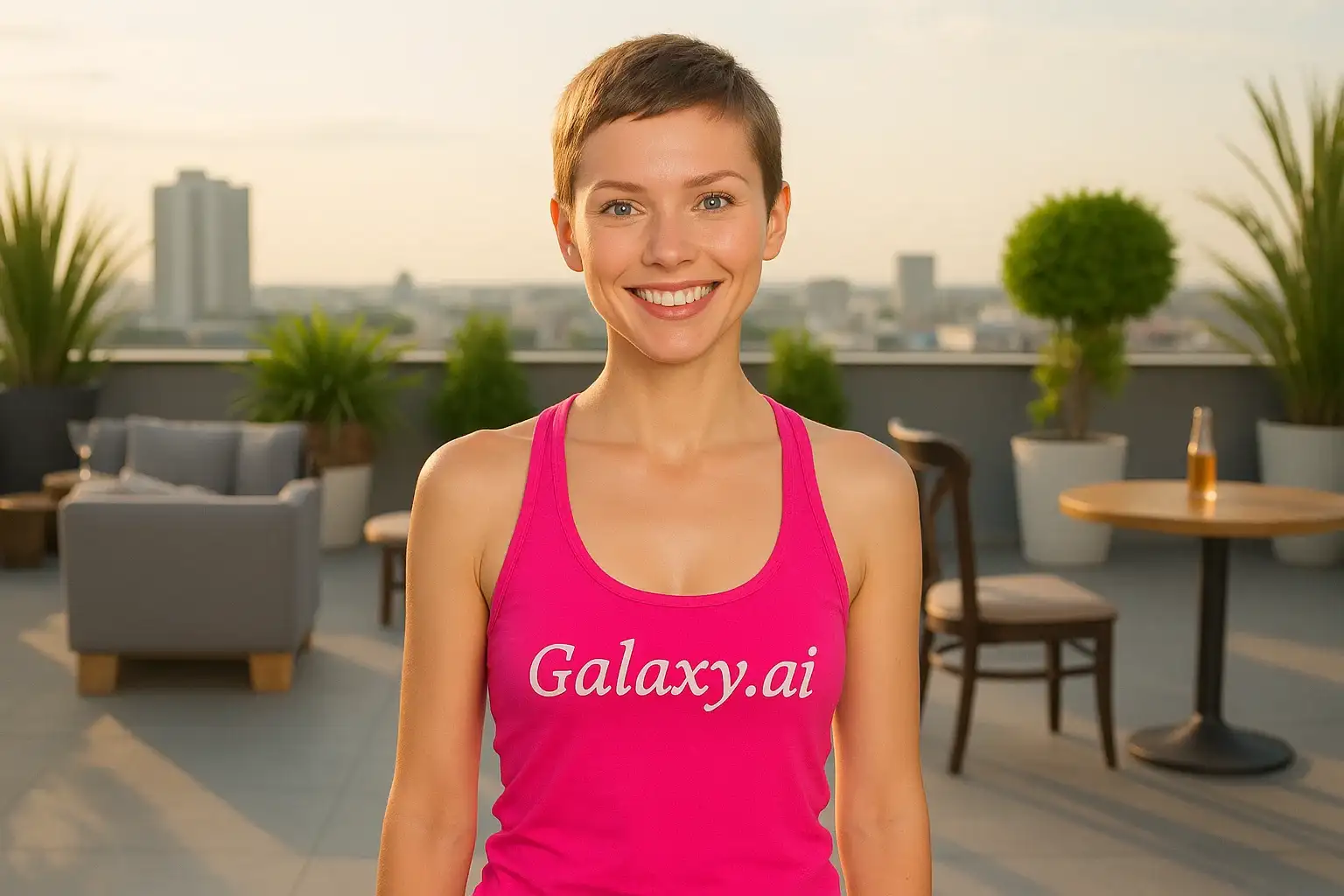
Compare the source image with each finished result.
Source image
Result
What Magica will ask for
The agent gathers these inputs and preferences in the conversation before it starts.
Upload Photo
attach a photo to apply the pixie cut hair filter
Why Choose Our AI Pixie Cut Hair Filter?
Transform your look with a trendy pixie cut hairstyle using our advanced AI. Experience the confidence and style of a chic, modern hairstyle with just one click!
Authentic pixie cut hairstyle transformation
Natural-looking short hair with texture and layers
Maintains your facial features and skin tone
Instant results powered by AI
No salon visit or commitment required
Perfect for previewing your next hairstyle
High-quality image processing
How Our AI Pixie Cut Hair Filter Works
Transform your hairstyle in three simple steps and see yourself with a trendy pixie cut:
01
Attach Your Photo
Select a clear photo where your face and current hairstyle are visible. Front-facing photos with good lighting work best!
02
Apply the Filter
ask Magica to generate the result and watch as our AI transforms your hair into a stylish pixie cut with natural texture and layers.
03
Download & Share
Preview your new pixie cut hairstyle and download your transformed photo to share or save.
Key Features of the AI Pixie Cut Hair Filter
Realistic Pixie Cut Transformation
Creates an authentic pixie cut hairstyle with natural layers, texture, and movement that complements your face shape.
Smart Facial Recognition
Our AI accurately identifies your facial features and hair to create a natural-looking pixie cut that suits you perfectly.
Natural Hair Texture
Generates realistic hair texture and styling that looks professionally cut and styled.
High-Resolution Output
Produces high-quality images perfect for social media, profile pictures, or showing your stylist.
Instant Preview
See how you'd look with a pixie cut instantly, without the commitment of actually cutting your hair.
Who Can Benefit from the Pixie Cut Hair Filter?
Our AI Pixie Cut Hair Filter is perfect for anyone wanting to preview this bold, stylish hairstyle before making the cut.
Hair Transformation Seekers
Try out a pixie cut virtually before committing to the dramatic hairstyle change.
Social Media Enthusiasts
Create unique profile pictures and posts with a trendy pixie cut hairstyle.
Content Creators
Generate diverse hairstyle content for beauty and fashion channels or blogs.
Fashion & Beauty Enthusiasts
Experiment with trendy hairstyles and find your perfect look risk-free.
Makeover Planners
Preview dramatic hairstyle changes before visiting the salon for a fresh new look.
Hair Stylists
Show clients how different pixie cut styles would look on them before the cut.
Tips for the Best Pixie Cut Filter Results
Tip 1
Use Clear, Well-Lit Photos
Ensure your photo has good lighting and your face and current hairstyle are clearly visible for the best transformation.
Tip 2
Front-Facing Photos Work Best
Photos where you're facing the camera directly provide the most accurate pixie cut transformations and natural results.
Tip 3
Show Your Current Hairstyle
Photos where your hair is visible help the AI create a more realistic and natural-looking pixie cut transformation.
Tip 4
Use High-Quality Images
Better quality input photos result in more detailed and realistic pixie cut hairstyles with natural texture.
Tip 5
Try Different Photos
Experiment with photos taken from slightly different angles to see how a pixie cut would look from various perspectives.
Frequently Asked Questions About Our Pixie Cut Hair Filter
How realistic is the pixie cut transformation?
Our AI creates highly realistic pixie cut transformations by analyzing your facial features and hair, then generating a natural-looking short hairstyle with authentic texture and layers that complements your face shape.
What types of photos work best?
The filter works best on clear, front-facing photos with good lighting where your face and current hairstyle are visible. Portrait photos with neutral backgrounds tend to produce the most accurate results.
Will the pixie cut suit my face shape?
Yes! Our AI analyzes your facial features and creates a pixie cut style that complements your specific face shape and features, ensuring a flattering result.
Can I use this before getting an actual haircut?
Absolutely! This filter is perfect for previewing how you'd look with a pixie cut before making the commitment at the salon. You can even show the result to your stylist for reference.
Does it work on all hair types and colors?
Yes, the AI adapts to different hair types and colors, creating a pixie cut that maintains your natural hair characteristics while transforming the length and style.
Is my photo safe to upload?
We prioritize user privacy. Your photos are used only for the transformation process and are not stored long-term or used for other purposes.
Can I download and share the results?
Yes! Once your pixie cut transformation is complete, you can download the high-quality image and share it on social media or save it for your reference.
How long does the transformation take?
The AI transformation is nearly instant! After uploading your photo and clicking generate, you'll see your pixie cut transformation within seconds.