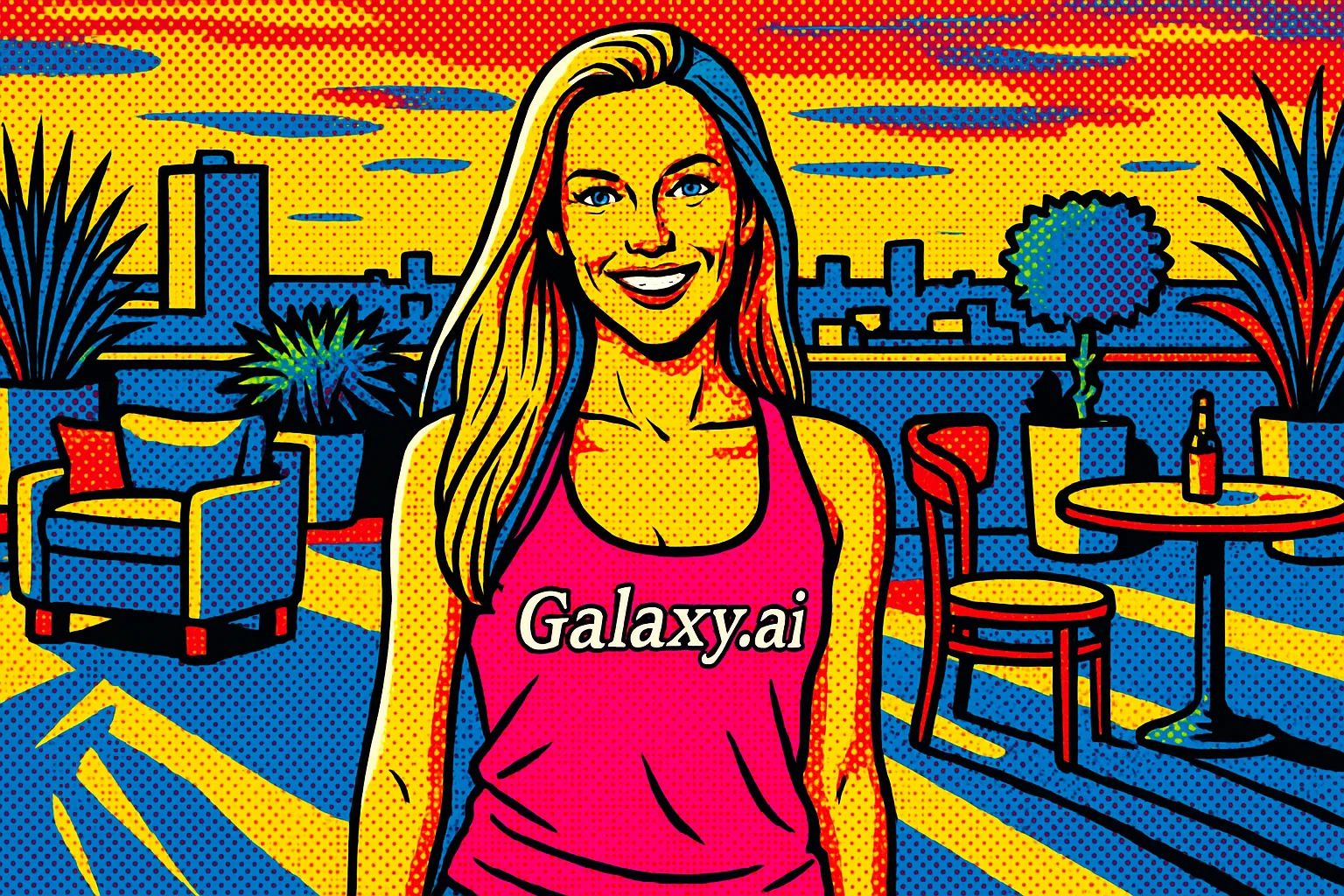
Compare the source image with each finished result.
Source image
Result
What Magica will ask for
The agent gathers these inputs and preferences in the conversation before it starts.
Upload Photos
attach a photo to apply the filter
Why Choose Our AI Pop Art Filter?
Transform your photos into stunning pop art masterpieces with our advanced AI. Create bold, vibrant, and iconic artwork inspired by the likes of Andy Warhol and Roy Lichtenstein!
Instant pop art transformation with AI precision
Vibrant colors and bold contrasts
Classic halftone dot patterns
Comic book-style effects
Preserves key facial features and expressions
One-click artistic transformation
Perfect for social media and digital art
How Our Pop Art Filter Works
Creating stunning pop art from your photos is incredibly simple:
01
Attach Your Photo
Select and upload any photo you'd like to transform into pop art style.
02
Apply the Filter
ask Magica to generate the result and watch as our AI transforms your photo into a vibrant pop art masterpiece.
03
Download & Share
Preview your pop art creation and download the high-resolution image.
Key Features of the AI Pop Art Filter
Bold Color Transformation
Creates vibrant, eye-catching color schemes characteristic of pop art style.
Halftone Pattern Effect
Applies classic comic book-style dot patterns for authentic pop art texture.
Artistic Style Transfer
Intelligently applies pop art aesthetics while maintaining recognizable features.
High-Resolution Output
Generates high-quality pop art images perfect for printing or digital display.
Who Can Benefit from the Pop Art Filter?
Our AI Pop Art Filter is perfect for anyone looking to create unique, eye-catching artwork from their photos.
Digital Artists
Create unique pop art pieces quickly for various creative projects.
Social Media Creators
Stand out with eye-catching pop art content for your social platforms.
Photographers
Offer clients unique artistic variations of their photos.
Graphic Designers
Create striking visuals for marketing materials and designs.
Art Enthusiasts
Transform personal photos into pop art style artwork easily.
Content Creators
Generate attention-grabbing visuals for blogs, websites, or marketing.
Tips for Creating the Best Pop Art
Tip 1
Choose High-Contrast Images
Photos with clear subjects and good contrast will create more striking pop art results.
Tip 2
Use Clear, Well-Lit Photos
Good lighting helps the AI create more defined and vibrant pop art effects.
Tip 3
Simple Backgrounds Work Best
Images with clean, uncluttered backgrounds often produce the most dramatic pop art effects.
Tip 4
Experiment with Different Photos
Try various types of images to discover which create the most appealing pop art results.
Frequently Asked Questions About Our Pop Art Filter
How does the pop art filter work?
Our AI analyzes your photo and applies sophisticated algorithms to transform it using pop art characteristics like bold colors, strong contrasts, and halftone patterns, inspired by artists like Andy Warhol and Roy Lichtenstein.
What types of photos work best with the filter?
While the filter works on most photos, images with clear subjects, good lighting, and strong contrast typically produce the best results. Portraits and photos with simple backgrounds are particularly effective.
Can I use the filter on group photos?
Yes! The filter works on any photo, including group shots. However, for the most striking results, we recommend photos where the subjects are clearly visible and well-lit.
What resolution will my pop art image be?
The filter maintains high resolution output, suitable for both digital display and printing. The output quality will be based on your original image's resolution.
Can I control the colors used in the pop art effect?
Currently, the AI automatically selects the most suitable color palette based on pop art principles. Each generation may produce slightly different color combinations, so you can regenerate until you find your preferred look.