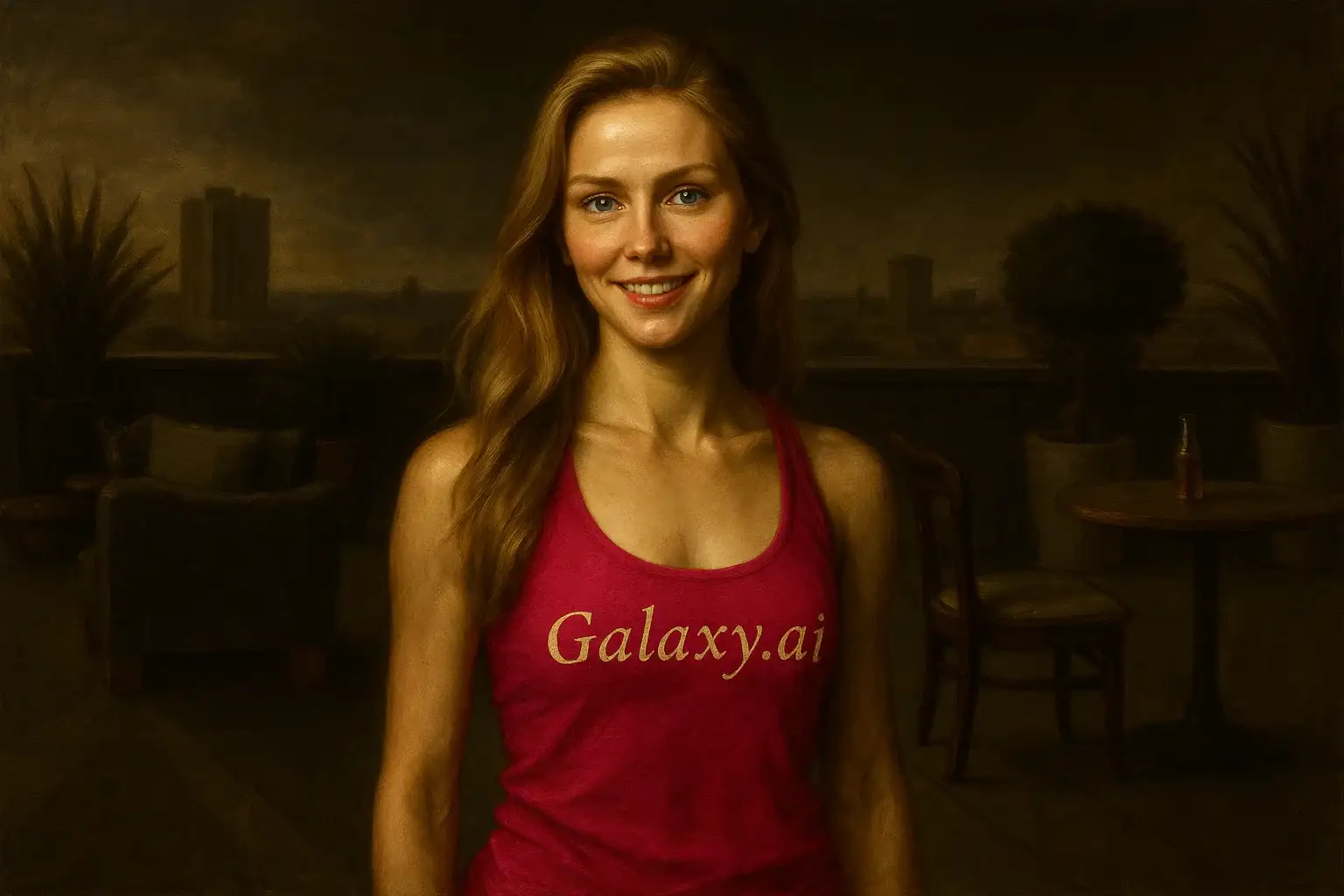
Compare the source image with each finished result.
Source image
Result
What Magica will ask for
The agent gathers these inputs and preferences in the conversation before it starts.
Upload Portrait Photo
attach a photo to apply the royal portrait filter
Why Choose Our AI Royal Portrait Filter?
Transform your photos into majestic royal portraits with our advanced AI. Experience the elegance and grandeur of royalty with just one click!
Authentic royal portrait styling
Period-accurate clothing and accessories
Regal backgrounds and palace settings
Classical Renaissance painting aesthetics
Maintains original facial features
High-quality artistic transformation
Instant results powered by AI
Perfect for special occasions and gifts
How Our Royal Portrait Filter Works
Transform into royalty with these simple steps:
01
Attach Your Photo
Select a clear portrait photo where your face is clearly visible. Front-facing shots with good lighting work best!
02
Apply the Filter
ask Magica to generate the result and watch as our AI transforms you into a regal royal figure with elegant period attire and majestic styling.
03
Download & Share
Preview your royal portrait transformation and download your majestic image to share with friends and family.
Key Features of the AI Royal Portrait Filter
Regal Transformation
Creates authentic royal portraits with period-accurate clothing, jewelry, and aristocratic styling worthy of nobility.
Classical Art Style
Applies Renaissance and Baroque painting techniques with rich colors, dramatic lighting, and elegant composition.
Smart Feature Preservation
Our AI maintains your natural facial features and likeness while adding aristocratic refinement and dignity.
High-Resolution Output
Generates high-quality royal portraits perfect for printing, framing, or sharing on social media.
Majestic Backgrounds
Adds elegant palace halls, castle interiors, or noble estate backgrounds to complete the royal aesthetic.
One-Click Transformation
No editing skills required - instantly transform any photo into a stunning royal portrait with a single click.
Who Can Benefit from the Royal Portrait Filter?
Our AI Royal Portrait Filter is perfect for anyone who wants to experience the elegance of royalty or create unique artistic portraits.
Social Media Enthusiasts
Create stunning royal-themed profile pictures and posts that command attention and stand out from the crowd.
Photography Enthusiasts
Transform ordinary photos into extraordinary royal portraits worthy of a palace gallery.
Gift Givers
Create unique, personalized royal portrait gifts for loved ones on special occasions like birthdays or anniversaries.
Event Planners
Generate royal-themed promotional materials for elegant events, galas, or historical reenactments.
Artists & Designers
Create reference images for royal or period artwork, or generate unique artistic content for creative projects.
Content Creators
Produce eye-catching royal-themed content for YouTube, Instagram, TikTok, or other social platforms.
Tips for the Best Royal Portrait Results
Tip 1
Use Clear, Well-Lit Photos
Ensure your face is clearly visible with good natural or studio lighting for the best royal transformation results.
Tip 2
Front-Facing Portraits Work Best
Photos where you're looking directly at the camera or at a slight angle create the most majestic royal portraits.
Tip 3
Choose High-Quality Images
Higher resolution photos produce more detailed and refined royal portraits with better clothing textures and background elements.
Tip 4
Neutral or Elegant Expressions
A composed, dignified expression or slight smile works best for achieving that authentic royal portrait aesthetic.
Tip 5
Simple Backgrounds Work Well
Photos with uncluttered backgrounds allow the AI to create more stunning palace or castle backgrounds in your royal portrait.
Frequently Asked Questions About Our Royal Portrait Filter
How realistic is the royal portrait transformation?
Our AI creates highly realistic royal portraits by applying classical painting techniques, period-accurate clothing, and regal styling while maintaining your natural facial features. The result is a stunning blend of your likeness with aristocratic elegance that looks like a genuine historical portrait painting.
What types of photos work best?
The filter works best on clear, front-facing portrait photos with good lighting and simple backgrounds. While it can work on various photo types, we recommend individual portraits taken in well-lit conditions for the most majestic results.
Can I use this for both male and female subjects?
Yes! The AI adapts the royal portrait style based on the subject, creating appropriate period clothing, jewelry, and styling for both male and female subjects in the classical European nobility tradition.
Will my facial features be preserved?
Absolutely! Our AI is trained to maintain your unique facial features and likeness while adding aristocratic refinement, elegant styling, and royal attire. You'll still be recognizable but with regal enhancement.
Can I print and frame my royal portrait?
Yes! The high-resolution output is perfect for printing and framing. Many users create beautiful wall art or give printed royal portraits as unique gifts for special occasions.
Is my photo safe to upload?
We prioritize user privacy. Your photos are used only for the transformation process and are not stored long-term or used for other purposes. The generated royal portrait is returned in the conversation for you to save.
How long does the transformation take?
The AI processes your photo and creates the royal portrait in just seconds to minutes, depending on server load. You'll have your majestic royal portrait ready to download almost instantly!
Can I use my royal portrait for commercial purposes?
You can use your generated royal portrait for personal use, social media, and gifts. For commercial use, please review our terms of service or contact us for licensing options.