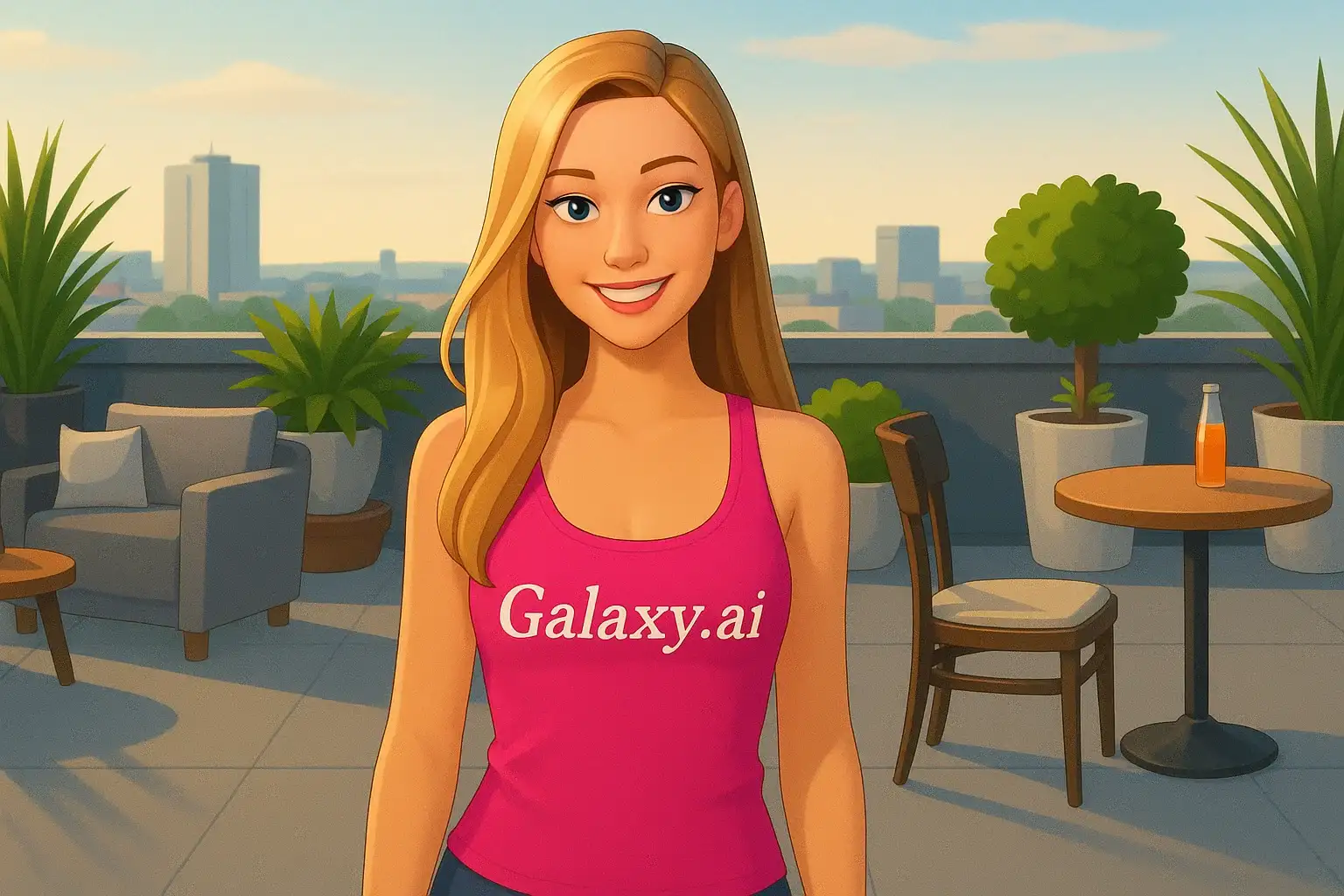
Compare the source image with each finished result.
Source image
Result
What Magica will ask for
The agent gathers these inputs and preferences in the conversation before it starts.
Upload Portrait Photo
attach a photo to apply the Sims filter
Why Choose Our AI Sims Filter?
Transform your photos into iconic Sims game characters with our advanced AI. Experience the beloved Sims aesthetic with just one click!
Authentic Sims game character style
Iconic 3D rendered game appearance
Vibrant Sims-style colors and textures
Maintains original facial features
Instant transformation powered by AI
No editing skills required
Perfect for gaming profiles and social media
How Our Sims Filter Works
Transform into a Sims character with these simple steps:
01
Attach Your Photo
Select a clear portrait photo where your face is clearly visible. Front-facing shots work best!
02
Apply the Filter
ask Magica to generate the result and watch as our AI transforms you into an iconic Sims character.
03
Download & Share
Preview your Sims transformation and download your game-style portrait.
Key Features of the AI Sims Filter
Authentic Sims Game Style
Creates genuine Sims character appearance with the signature 3D rendered game aesthetic and vibrant colors.
Smart Feature Recognition
Our AI accurately identifies facial features and transforms them into the characteristic Sims style while maintaining recognition.
Vibrant Color Rendering
Applies the iconic Sims color palette with smooth, vibrant tones that match the game's signature look.
High-Quality Output
Generates high-resolution images perfect for social media, gaming profiles, and sharing with friends.
Who Can Benefit from the Sims Filter?
Our AI Sims Filter is perfect for anyone who loves The Sims and wants to see themselves as a game character.
Sims Fans
Create your real-life Sim character and share with the Sims community.
Gaming Enthusiasts
Generate unique gaming-themed profile pictures for your social media and gaming platforms.
Content Creators
Create Sims-style content for YouTube, Twitch, TikTok, or Instagram to engage with gaming audiences.
Cosplayers
Visualize yourself as a Sims character for costume planning and creative inspiration.
Social Media Users
Stand out with unique Sims-themed profile pictures and posts that get attention.
Digital Artists
Generate reference images for Sims-inspired artwork or game design projects.
Tips for the Best Sims Transformation
Tip 1
Use Clear, Well-Lit Photos
Ensure your face is clearly visible and well-lit for the best Sims character transformation.
Tip 2
Front-Facing Portraits Work Best
Photos where you're looking directly at the camera provide the most accurate Sims-style conversion.
Tip 3
Choose Expressive Photos
The Sims characters are known for expressive features, so photos with clear expressions translate well to the game style.
Tip 4
Higher Resolution is Better
Use high-quality photos to ensure the Sims aesthetic is crisp and detailed.
Tip 5
Simple Backgrounds Work Best
Photos with uncluttered backgrounds help the AI focus on transforming your facial features into Sims style.
Frequently Asked Questions About Our Sims Filter
How realistic is the Sims transformation?
Our AI creates highly authentic Sims character transformations by applying the iconic game's 3D rendered aesthetic, vibrant colors, and stylized features while maintaining your recognizable facial characteristics. The result looks like you stepped right into The Sims game!
Does it work with all Sims game versions?
The filter captures the general Sims aesthetic that's recognizable across the series, with emphasis on the modern Sims look that fans know and love. It works well for creating Sims-style characters regardless of which game version you prefer.
What types of photos work best?
The filter works best on clear, front-facing portrait photos with good lighting. While it can work on various photo types, we recommend individual portraits with simple backgrounds for the most authentic Sims character appearance.
Will my photo look natural as a Sims character?
Yes! Our AI is trained to maintain your natural facial features while applying the signature Sims game aesthetic. The result is a balanced blend that looks both authentic to The Sims style and recognizably you.
Can I use this for multiple people in one photo?
The filter works best on individual portraits. For group photos, the AI will attempt to transform all visible faces, but individual shots typically produce the most accurate and detailed Sims-style results.
Is my photo safe to upload?
We prioritize user privacy. Your photos are used only for the transformation process and are not stored long-term or used for other purposes. The generated Sims character image is returned in the conversation for you to save.
Can I use the transformed image commercially?
The transformed images are for personal use. While you can share them on social media and gaming platforms, please note that The Sims is a trademarked property of Electronic Arts. Use the images responsibly and in accordance with fair use guidelines.
How long does the transformation take?
The AI transformation typically takes just a few seconds to process. Once complete, you can instantly preview and download your Sims character portrait.