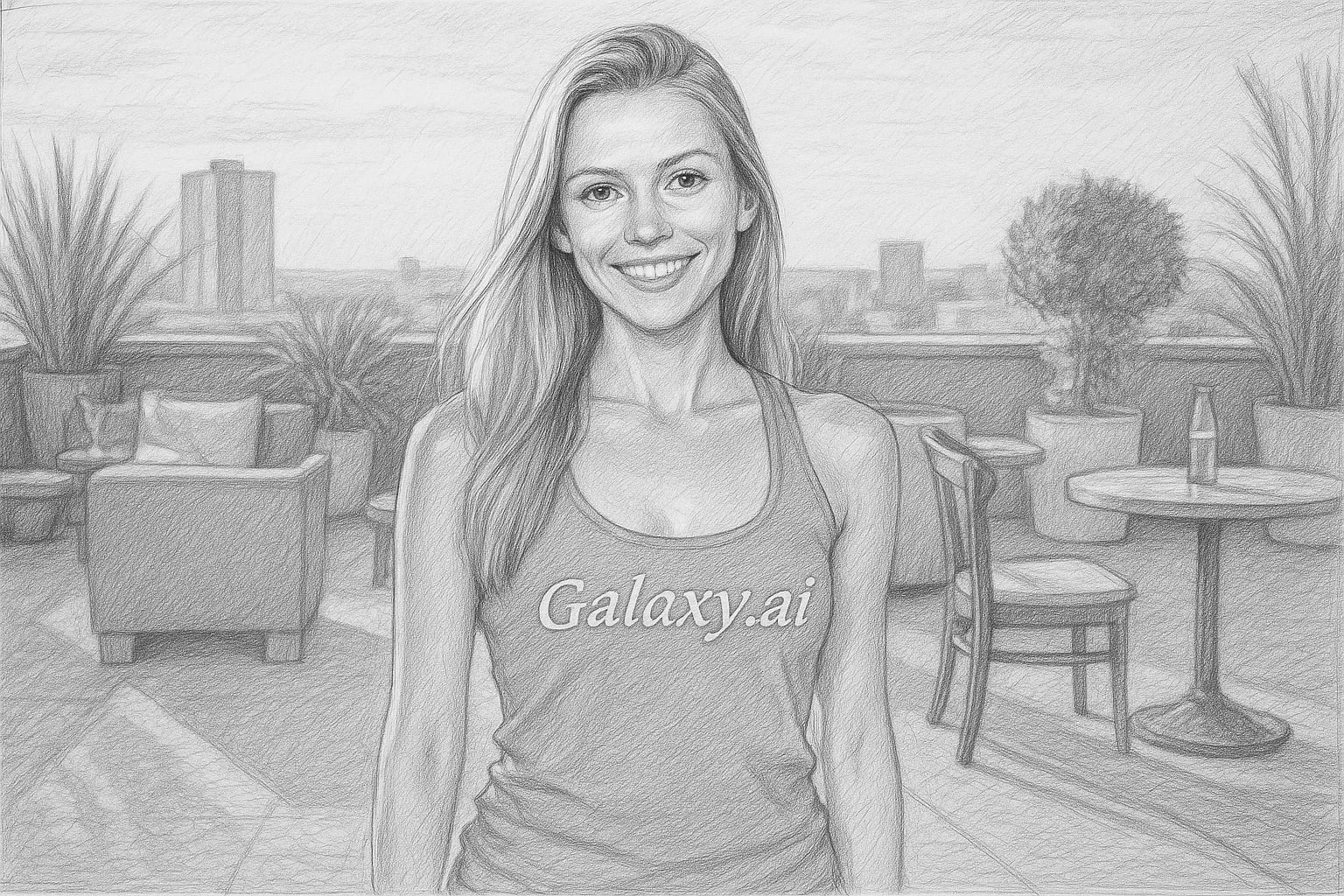
Compare the source image with each finished result.
Source image
Result
What Magica will ask for
The agent gathers these inputs and preferences in the conversation before it starts.
Upload Photos
attach a photo to apply the filter
Why Choose Our AI Sketch Filter?
Transform your photos into stunning pencil sketch artwork with our advanced AI. Create beautiful artistic renditions of your images in seconds!
High-quality pencil sketch transformation
Preserves important details and features
Maintains artistic composition
Simple one-click operation
Instant processing with AI
No artistic skills required
Perfect for artistic photos and portraits
How Our Sketch Filter Works
Converting your photos into beautiful pencil sketches is incredibly simple:
01
Attach Your Photo
Select and upload any photo you'd like to transform into a sketch.
02
Apply the Filter
ask Magica to generate the result and watch as our AI transforms your photo into a detailed pencil sketch.
03
Download & Share
Preview your artistic creation and download the high-resolution sketch.
Key Features of the AI Sketch Filter
Realistic Pencil Effect
Creates authentic-looking pencil strokes and shading that mimics hand-drawn artwork.
Detail Preservation
Our AI carefully maintains important features while creating the sketch effect.
Artistic Composition
Balances light and shadow to create visually appealing sketches.
High-Quality Output
Generates high-resolution sketch artwork perfect for printing or sharing.
Who Can Benefit from the Sketch Filter?
Our AI Sketch Filter is perfect for anyone looking to add an artistic touch to their photos.
Photographers
Add an artistic dimension to your photography by converting photos into sketches.
Digital Artists
Quickly create sketch bases for your digital artwork or get inspiration.
Social Media Users
Create unique, artistic content for your social media posts and profiles.
Art Students
Study composition and form by converting reference photos into sketches.
Content Creators
Generate artistic thumbnails and visual content for your platforms.
Hobbyist Artists
Transform your photos into sketches for reference or practice.
Tips for the Best Sketch Results
Tip 1
Choose High-Contrast Images
Photos with good contrast between light and dark areas create more dynamic sketches.
Tip 2
Use Clear, Sharp Photos
Clear, well-focused images result in more detailed and precise sketch conversions.
Tip 3
Consider the Composition
Simple, well-composed photos often make the most striking sketch artwork.
Tip 4
Experiment with Different Photos
Try various subjects - portraits, landscapes, and objects can all make interesting sketches.
Frequently Asked Questions About Our Sketch Filter
How realistic do the sketches look?
Our AI creates highly realistic pencil sketch effects that mimic traditional hand-drawn artwork, complete with natural-looking strokes and shading.
Can I use any type of photo?
Yes, you can use any photo! However, images with good contrast and clear subjects typically produce the best results.
Will I lose image quality after applying the filter?
No, this Magica workflow maintains high image quality. You'll receive a high-resolution sketch that preserves the important details of your original photo.
Can I adjust the sketch effect?
Currently, the filter applies an optimized sketch effect. We're working on adding customization options in future updates.
Are my photos safe?
Yes, we take privacy seriously. Your photos are only used for processing the sketch effect and are not stored long-term or used for other purposes.