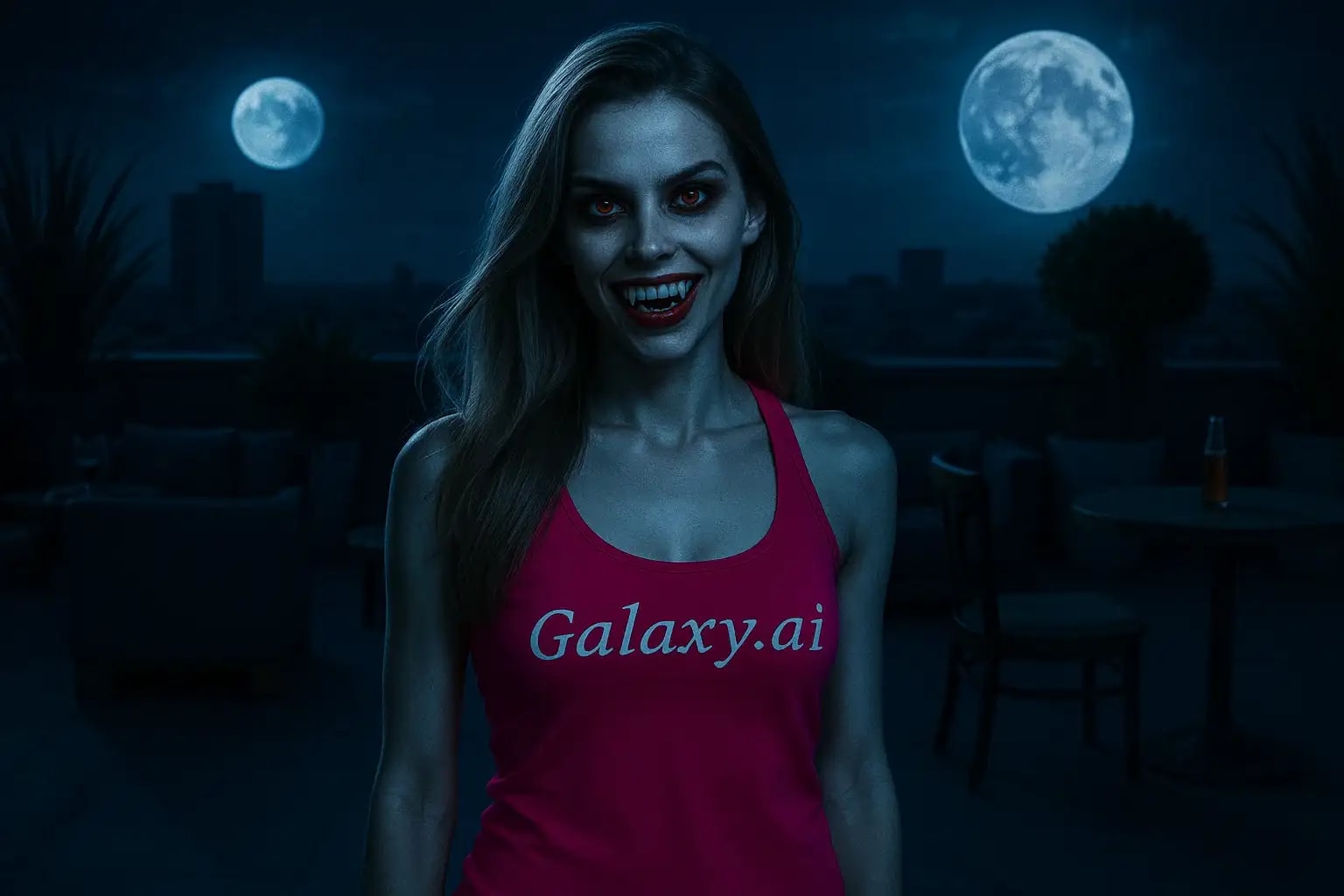
Compare the source image with each finished result.
Source image
Result
What Magica will ask for
The agent gathers these inputs and preferences in the conversation before it starts.
Upload Face Photo
attach a photo to apply the filter
Why Choose Our AI Vampire Filter?
Transform your photos with a stunning vampire effect using our advanced AI. Create haunting, realistic vampire transformations with just one click!
Realistic vampire transformation with pale skin
Striking red eyes with supernatural glow
Sharp, realistic vampire fangs
Maintains facial features and expressions
Instant processing powered by AI
Perfect for Halloween and cosplay
High-quality output preserving image details
How Our Vampire Filter Works
Transform into a vampire with these simple steps:
01
Attach Your Photo
Choose a clear, well-lit photo of your face. Front-facing portraits work best!
02
Apply the Filter
ask Magica to generate the result and watch as our AI transforms you into a stunning vampire.
03
Download & Share
Save your vampiric transformation and share your supernatural look!
Key Features of the AI Vampire Filter
Mesmerizing Red Eyes
Creates haunting red eyes with a supernatural glow while maintaining realistic reflections and depth.
Pale Skin Transformation
Applies a realistic pale complexion characteristic of vampires while preserving natural skin texture.
Sharp Fangs
Adds realistic vampire fangs that blend seamlessly with your natural smile.
Detail Preservation
Maintains the original photo's quality while adding supernatural elements.
Who Can Benefit from the Vampire Filter?
Our AI Vampire Filter is perfect for anyone looking to create supernatural transformations or spooky content.
Cosplayers
Perfect for vampire costume previews or creating reference photos for makeup.
Content Creators
Create engaging supernatural content for social media and Halloween.
Artists & Designers
Generate reference images for vampire-themed artwork or designs.
Party Planners
Create themed invitations or promotional materials for Halloween events.
Friend Groups
Have fun transforming group photos into vampire covens!
Makeup Artists
Preview vampire makeup looks or create inspiration for clients.
Tips for the Perfect Vampire Transformation
Tip 1
Choose Well-Lit Photos
Use photos with good lighting to ensure the AI can create detailed vampire features.
Tip 2
Front-Facing Portraits
Direct face shots work best for adding fangs and transforming eye color.
Tip 3
Show Your Teeth
Photos with a slight smile work best for realistic fang placement.
Tip 4
Clear Eye Visibility
Ensure eyes are clearly visible for the best red eye effect.
Frequently Asked Questions About Our Vampire Filter
How realistic is the vampire effect?
Our AI creates highly realistic vampire transformations by carefully adjusting skin tone, adding natural-looking fangs, and creating believable red eyes while maintaining your facial features and expressions.
Can I use the filter on group photos?
Yes! The AI will detect and transform all visible faces in the photo. However, for the best results, we recommend using individual portraits.
Will the filter work with any photo?
The filter works best with clear, well-lit photos where faces are clearly visible. Front-facing portraits typically yield the best results.
Can I adjust the intensity of the vampire effect?
Currently, the filter applies a carefully balanced effect designed to look realistic. We're working on adding customization options in future updates.
Is my photo safe?
Yes! We take privacy seriously. Your photos are only used for the transformation process and are not stored long-term or used for other purposes.