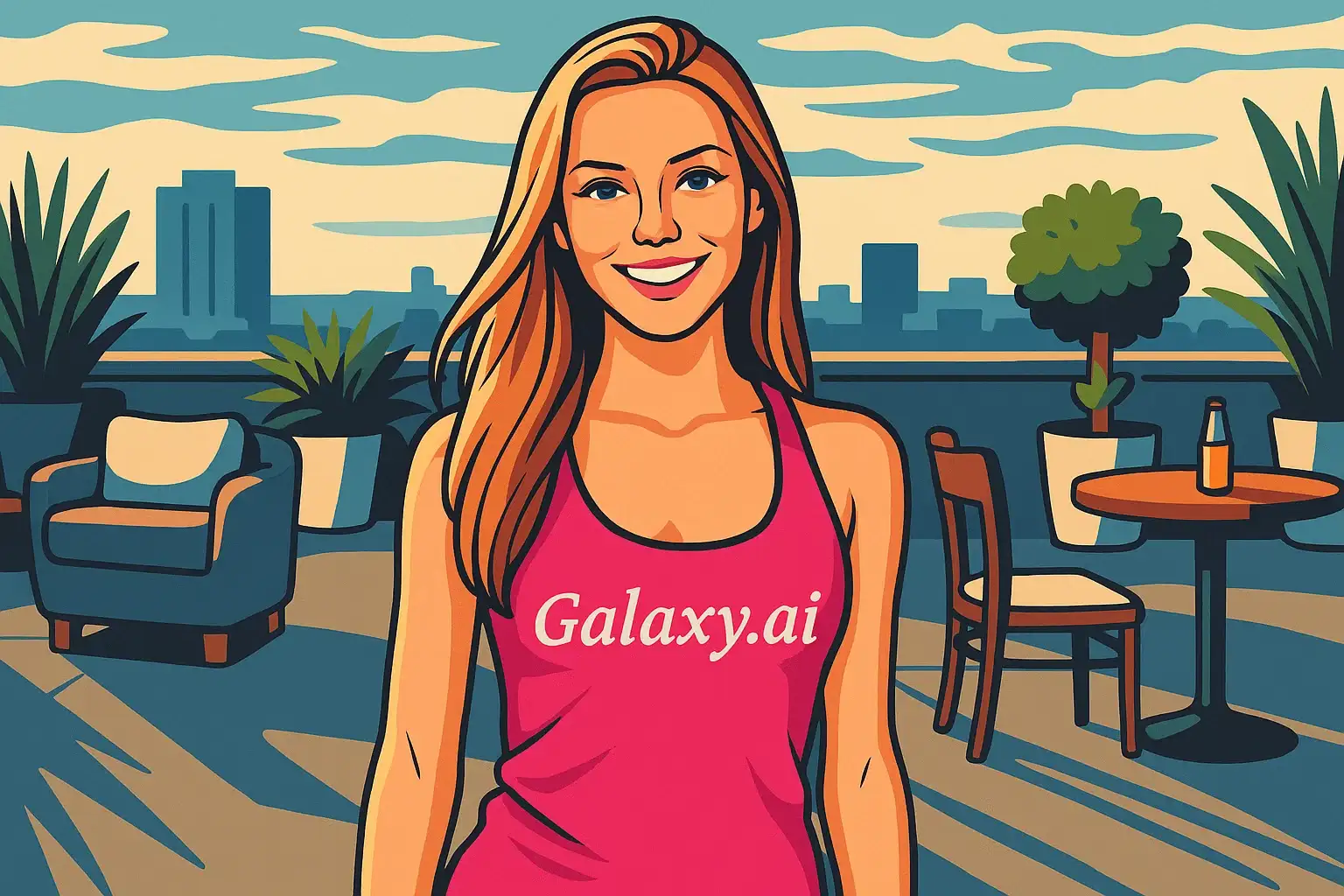
Compare the source image with each finished result.
Source image
Result
What Magica will ask for
The agent gathers these inputs and preferences in the conversation before it starts.
Upload Photo
attach a photo to apply the vector art filter
Why Choose Our AI Vector Art Filter?
Transform your photos into professional vector art with our advanced AI. Experience the clean, modern aesthetic of vector graphics with just one click!
Professional vector art transformation
Clean lines and smooth gradients
Vibrant, eye-catching colors
Scalable graphic output perfect for any size
Instant transformation powered by AI
No design skills required
Perfect for logos, posters, and digital art
How Our Vector Art Filter Works
Transform your photos into stunning vector art with these simple steps:
01
Attach Your Photo
Select a clear photo with good contrast and lighting. Photos with distinct subjects work best for vector art conversion!
02
Apply the Filter
ask Magica to generate the result and watch as our AI transforms your photo into beautiful vector art with clean lines and vibrant colors.
03
Download & Share
Preview your vector art transformation and download your new artistic creation.
Key Features of the AI Vector Art Filter
Professional Vector Aesthetic
Creates authentic vector art with characteristic clean lines, flat colors, and smooth gradients that define the vector style.
Smart Shape Recognition
Our AI accurately identifies and simplifies shapes while maintaining the subject's recognizable features and proportions.
Vibrant Color Enhancement
Automatically enhances and balances colors to create eye-catching vector art that pops.
High-Quality Output
Generates high-resolution vector-style images perfect for posters, social media, and professional use.
Instant Processing
Lightning-fast AI transformation delivers your vector art in seconds, no waiting required.
Who Can Benefit from the Vector Art Filter?
Our AI Vector Art Filter is perfect for anyone wanting to create modern, stylized artwork from their photos.
Social Media Enthusiasts
Create unique, eye-catching profile pictures and posts that stand out with professional vector art style.
Content Creators
Generate stunning vector art content for YouTube thumbnails, Instagram posts, and digital marketing.
Graphic Designers
Quickly create vector-style mockups and references for client presentations and design projects.
Marketing Professionals
Transform product and team photos into modern vector graphics for campaigns and promotional materials.
Artists & Illustrators
Generate vector art references and explore new artistic styles for your creative projects.
Personal Use
Create artistic versions of your photos for gifts, home decor, or unique social media presence.
Tips for the Best Vector Art Results
Tip 1
Use Clear, Well-Lit Photos
Ensure your photo has good lighting and is in focus for the best vector art transformation with clear, defined shapes.
Tip 2
Choose Photos with Strong Contrast
Photos with clear subject-background separation and good contrast work best for vector art conversion.
Tip 3
Use High-Quality Images
Better quality input photos result in more detailed and professional-looking vector art with cleaner lines.
Tip 4
Simple Backgrounds Work Best
Photos with uncluttered backgrounds allow the AI to focus on the main subject and create cleaner vector art.
Tip 5
Front-Facing Portraits Ideal
For portrait vector art, front-facing or profile shots provide the most striking and recognizable results.
Frequently Asked Questions About Our Vector Art Filter
What is vector art?
Vector art is a digital art style characterized by clean lines, flat colors, smooth gradients, and simplified geometric shapes. Unlike raster images, vector graphics maintain quality at any size. Our AI simulates this aesthetic to transform your photos into vector-style artwork.
How realistic is the vector art transformation?
Our AI creates authentic vector art by simplifying shapes, enhancing colors, and adding clean lines while maintaining your subject's recognizable features. The result is a stylized, artistic interpretation that captures the essence of professional vector graphics.
What types of photos work best?
The filter works best on clear, well-lit photos with good contrast and defined subjects. Portrait photos, product shots, and images with simple backgrounds produce the most striking vector art results. While it can work on complex scenes, we recommend focused compositions for optimal results.
Can I use this for commercial projects?
Yes! The vector art created from your photos can be used for personal and commercial projects, including marketing materials, social media content, and promotional graphics. The output is yours to use as needed.
Is the output actually a vector file?
The output is a high-quality raster image (PNG/JPG) that emulates the vector art style with clean lines, flat colors, and smooth gradients. While it's not a true vector file (SVG/AI), it captures the aesthetic and can be used for most applications where vector-style art is desired.
Will my photo look natural?
Vector art is intentionally stylized rather than photorealistic. Our AI maintains your subject's recognizable features while applying artistic simplification, vibrant colors, and clean shapes characteristic of modern vector graphics. The result is an artistic interpretation rather than a natural photo.
Is my photo safe to upload?
We prioritize user privacy. Your photos are used only for the transformation process and are not stored long-term or used for other purposes. The generated vector art is returned in the conversation for you to save.
How long does the transformation take?
Our AI processes your photo in seconds! Most transformations complete within 10-30 seconds, depending on image size and server load. You'll have your vector art ready to download almost instantly.