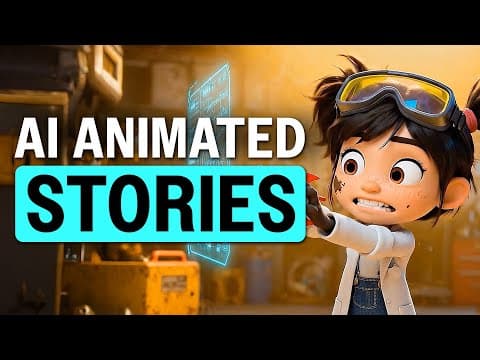
This blog post provides a comprehensive guide on creating long AI animation videos using Open Art. It covers the step-by-step process of generating characters, creating scenes, and enhancing video quality. The techniques discussed allow creators to produce seamless animations that can engage audiences effectively.
In recent times, animated AI videos have gained immense popularity, captivating millions of viewers. However, many creators still rely on complex tools to stitch together short clips, often leading to unsatisfactory results. Fortunately, advancements in AI technology now allow for the creation of entire animated scenes without any limitations on video length. In this guide, we will explore how to create long AI animations using a single, user-friendly tool: Open Art.
AI filmmaking is evolving rapidly, and creators who fail to adapt to these new tools risk being left behind. My name is Mira, and I specialize in creating animations using AI. In this post, I will share the techniques that have enabled many creators to produce long AI animations that garner millions of views. Additionally, I will reveal a special trick to enhance your animations further.
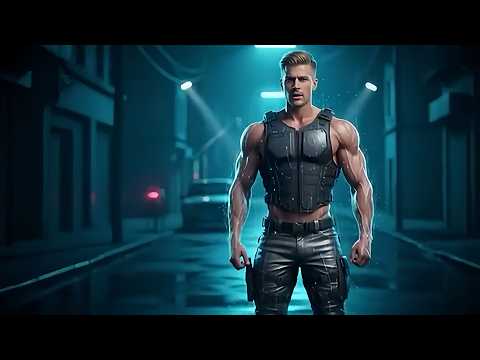
The first step in creating captivating long AI animations is to generate the starting frame of your video. For this, we will utilize Open Art, which is an all-in-one platform that includes various AI models.
With your starting frame ready, it’s time to create the animation.
Once you have generated your first scene, you can extend your animations by repeating the process as many times as needed. This allows you to create animations of any desired length. For instance, a full 30-second video can be achieved by following these steps multiple times.
To improve the quality of your animations, consider generating a secondary image to serve as the last frame. Here’s how:
Using Open Art, you can create long and seamless animated videos with ease. This technique is not limited to just animations; it can be applied to various types of videos. For example, creators have successfully used realistic AI videos to prank their parents, showcasing the versatility of this technology.
Now that you know how to create engaging long AI animations, it’s time to experiment and unleash your creativity. Whether you aim to entertain, inform, or prank, the possibilities are endless with AI animation tools like Open Art.