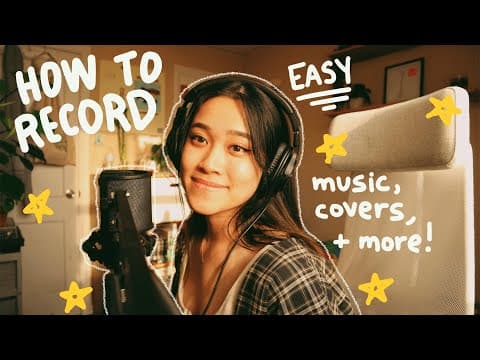
This guide provides beginners with essential steps and equipment needed to record music covers. It covers everything from choosing the right microphone and audio interface to recording and syncing audio and video for online sharing.
Are you excited to record a song or cover but unsure where to start? You're not alone! Many aspiring musicians find themselves overwhelmed by the process of recording music. This guide will walk you through the essential steps and equipment needed to get started with recording music covers, whether for YouTube, Spotify, or other platforms.
When it comes to recording music, being familiar with your equipment is crucial. The type of equipment you need will depend on your recording goals. You might want to post a simple cover on YouTube or a polished song on Spotify. Regardless of your choice, let's break down the basics.
Once you have your equipment ready, it's time to record. If you're using a camera without an external microphone, you can skip this section. However, if you're using a microphone, follow these steps:
To record your vocals or instruments, you'll need a DAW. Here are some options:
After recording your audio and video, the next step is to sync them. You can use software like Final Cut or iMovie, or even mobile apps, to align your audio with the video. Once synced, you're ready to upload your content.
Finally, you can upload your video to YouTube or your audio to streaming platforms. With everything recorded and edited, you're all set to share your music with the world!
This guide covers the basics of recording music covers for beginners. While it may seem overwhelming at first, breaking it down into manageable steps can make the process enjoyable. If you have any questions or need further assistance, feel free to leave a comment. Happy recording!