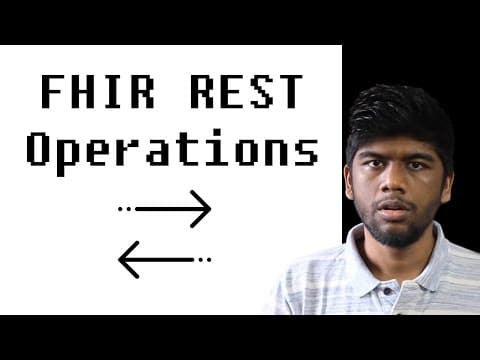
This blog post provides a comprehensive guide on how to interact with FHIR REST APIs, including posting, retrieving, and updating resources on a FHIR server using tools like Insomnia.
In this blog post, we will explore how to interact with FHIR (Fast Healthcare Interoperability Resources) REST APIs. We will cover the process of posting resources to a FHIR server, retrieving them, and updating existing resources. This guide will utilize the HAPI FHIR server and the Insomnia tool for making HTTP requests.
FHIR is a standard for exchanging healthcare information electronically. HL7 provides a list of publicly available FHIR servers, which can be accessed through their website. For this tutorial, we will use the HAPI FHIR server, specifically the R4 endpoint.
To begin, we need to set up Insomnia, a popular tool for making HTTP requests. After opening Insomnia, we will create a new request to interact with the HAPI FHIR server.
Next, we will post a patient resource to the server. Since the patient resource does not have an ID initially, the server will generate one for us.
/Patient.To retrieve the patient resource we just created:
/Patient/{id}).Now that we have a patient resource, we can create an observation for that patient.
/Observation.If we need to correct an observation, we can update it using the PUT method. Here’s how:
/Observation/{id}).To view the history of changes made to the observation resource:
_history parameter (e.g., /Observation/{id}/_history).In summary, we have learned four key operations when interacting with a FHIR server:
Additionally, we can explore the capabilities of the server by sending an OPTIONS request to the base URL, which will provide us with the supported operations.
In this post, we have covered the basics of interacting with a FHIR server, including how to create, retrieve, and update resources. In the next episode, we will delve into searching for resources and the DELETE operation. Thank you for following along, and feel free to leave any questions in the comments below.