
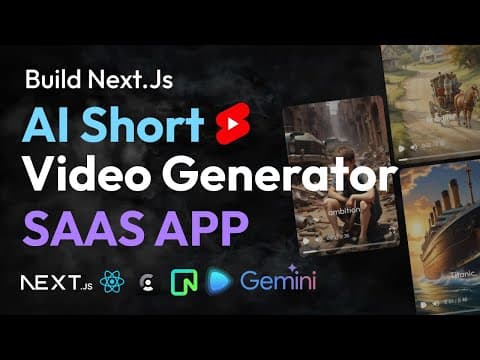
This blog post details the process of creating a full-stack AI video generator application using Next.js, React, and Remotion. The application allows users to generate short videos based on AI-generated scripts, audio, captions, and images. It covers the entire development process, including authentication, database integration, and video rendering.
In this blog post, we will explore how to build a full-stack AI video generator application using Next.js, React, and Remotion. This application will allow users to create short videos based on AI-generated scripts, audio, captions, and images. We will cover the entire development process, including authentication, database integration, and video rendering.
The application will be a Software as a Service (SaaS) platform where users can log in, generate video content, and manage their video library. The key features include:
To get started, we will set up a new Next.js project. Use the following command to create a new Next.js application:
npx create-next-app@latest ai-video-generator
Once the project is created, navigate to the project directory and install the necessary dependencies:
npm install react tailwindcss clerk neon drizzle-orm remotion
We will use Clerk for user authentication. Clerk provides an easy way to integrate authentication into our application. To set up Clerk, follow these steps:
ClerkProvider.For our database, we will use Neon PostgreSQL. We will set up a database to store user information and video data. The schema will include tables for users and videos. Here’s how to set up the database:
The core functionality of our application is to generate videos based on user input. The process includes:
To implement the video generation logic, we will create functions that handle each step:
Once we have all the components (script, audio, captions, images), we will use Remotion to render the video. Remotion allows us to create videos programmatically using React components. Here’s how to set it up:
The user interface will consist of:
In this blog post, we have outlined the steps to build a full-stack AI video generator application using Next.js, React, and Remotion. This application leverages AI to automate video creation, making it easier for users to generate content for their needs. By following the steps outlined, you can create a similar application and customize it to fit your requirements.
Stay tuned for more detailed tutorials on specific features and enhancements for this application!



















