
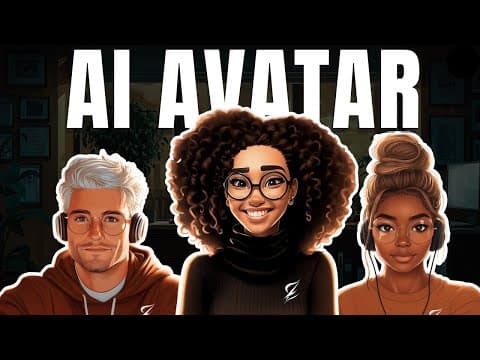
This blog post explores the process of creating AI avatars for podcasts and faceless YouTube channels using tools like MidJourney, Runway ML, and Hedra. It covers image generation, lip-syncing, and video upscaling techniques to enhance viewer engagement.
In the competitive landscape of content creation, having an engaging AI avatar for your podcast or faceless YouTube channel can be a game changer. This blog post will guide you through multiple methods for creating these avatars using AI, helping you bring your unique vision to life. This is the first part of an exciting three-part series focused on creating your first AI podcast.
To create an animated character for your avatar, we will use MidJourney, a popular AI image generation tool. Note that MidJourney is a paid service, so be prepared for that.
Start by brainstorming the type of image you want to create. For example, if you want a lady in a Pixar style with a touch of realism, type relevant keywords into the search bar. This will help you narrow down to a few images that resonate with your vision.
Once you find an image you like, click the love button beside it to save it in your liked folder. This is crucial as it helps you keep track of your favorite images as you continue browsing.
After saving a few images, select one that you find appealing. You can choose to use the image, its style, or the prompt associated with it. For this tutorial, we will focus on using the prompt. Modify the prompt to suit your needs, such as specifying the character's action or expression. Adjust the aspect ratio to 16:9, which is ideal for YouTube.
MidJourney will generate four similar images based on your input. If none of these meet your expectations, you can rerun the generation until you find the perfect image. Once satisfied, you can upscale the image and download it for use.
With your avatar image ready, the next step is to animate it. There are several methods to achieve this, and we will explore two main tools: Runway ML and Hedra.
Runway ML also features a tool called Act One, which allows you to animate your avatar using video input.
After generating your animated avatar, you may want to enhance the video quality. Here are two tools you can use:
For higher quality, consider using Topaz Labs, which offers up to 4x upscaling but comes at a cost of about $299 per year.
Creating an engaging AI avatar for your podcast or YouTube channel involves several steps, from generating the initial image to animating and upscaling the final video. In the next tutorial, we will delve deeper into how to use these interactive avatars to create captivating AI podcasts. Be sure to subscribe to stay updated on this series and enhance your content creation journey.



















