
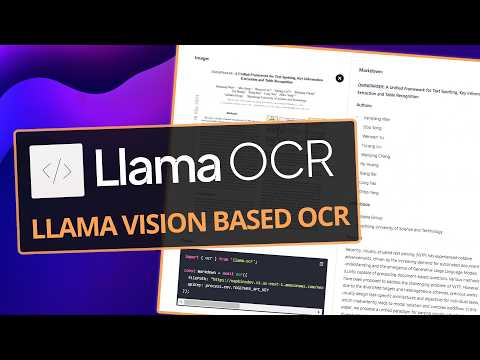
LlamaOCR, developed by together.AI, offers a powerful OCR solution utilizing the Llama 3.2 vision model. This blog post explores how to implement LlamaOCR in both JavaScript and Python, discusses local processing options, and provides insights on using OCR for web scraping and data extraction.
Recently, I discovered a project called LlamaOCR, created by together.AI. This project leverages the Llama 3.2 vision model, specifically the 90 billion parameter version, to provide an efficient Optical Character Recognition (OCR) solution. In this post, I will explore how LlamaOCR works, demonstrate how to recreate it in Python, discuss local processing options, and provide examples of its application in web scraping and data extraction.
LlamaOCR is an NPM package that allows users to easily convert images containing text into editable markdown format. By simply importing the package, passing in a file path, and providing an API key from together.AI, users can obtain accurate text outputs from images, such as screenshots or receipts.
Using LlamaOCR is straightforward. Users can drag and drop an image, and the system will process it to extract text. For example, when processing a Walmart receipt, the OCR system successfully identifies items, prices, and other relevant details, converting them into a structured markdown format. However, results may vary due to the stochastic nature of the model, leading to different outputs on different runs.
To recreate LlamaOCR in Python, we can utilize the together package, which interfaces with the same API. The implementation involves a few key steps:
Here’s a simplified example of how to implement LlamaOCR in Python:
import together


model = together.Model('Llama 3.2')


def process_image(image_path):
    # Load and encode the image
    # Call the model to extract text
    return extracted_text
For those interested in running LlamaOCR locally, Ollama provides an option to run both the 11 billion and 90 billion models on personal computers. While the 90 billion model may require significant RAM, the 11 billion model is more feasible for home use.
Running LlamaOCR locally allows for:
One of the most compelling applications of LlamaOCR is in web scraping. By integrating OCR capabilities, users can extract text from images found on web pages, such as charts or UI mockups. This can be particularly useful for gathering data from articles or reports that include visual elements.
While LlamaOCR is a powerful tool, users may encounter challenges such as:
LlamaOCR represents a significant advancement in OCR technology, making it easier for users to extract information from images. Whether used in cloud applications or run locally, it offers a versatile solution for various data extraction tasks. As OCR technology continues to evolve, tools like LlamaOCR will play an increasingly important role in automating data processing workflows.
If you are interested in exploring LlamaOCR further, I encourage you to experiment with the provided code and consider how you might integrate OCR into your own projects. Feel free to share your experiences and any challenges you encounter along the way.



















