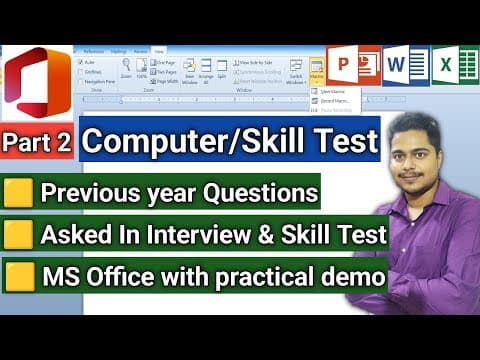
This article provides an in-depth explanation of computer skill test questions commonly asked in CPT exams and interviews, covering MS Word and Excel practical demonstrations, including creating columns, inserting page numbers, Excel formulas, freezing panes, and handling rounding errors.
Welcome to this detailed tutorial on computer skill tests, specifically designed for CPT exams and job interviews. This guide covers various practical questions and answers related to MS Word and MS Excel, helping you understand key concepts and apply them effectively.
This tutorial addresses common questions from the Junior Assistant post computer skill test. Each question is explained with practical demonstrations to ensure clarity. The video recording was done via mobile due to technical issues, but the content remains highly useful.
One question asks about the second step in creating a micro (likely referring to a micro document or section) and involves working with columns in MS Word.
Practical Demonstration:
Answer: None of the above (since the line between option is disabled for one column).
Another question involves inserting page numbers in the footer and changing the numbering format from numbers (1, 2, 3) to letters (A, B, C) or Roman numerals.
Steps:
Practical Demonstration:
Answer: All of the above options are correct.
A question asks which action is NOT valid to complete a cell entry in Excel.
Answer: Pressing Spacebar is NOT a valid way to complete a cell entry.
What-If Analysis is a powerful tool in Excel used for scenario analysis and decision making.
Excel allows combining multiple formulas into a single formula using functions like IF, AND, OR, etc.
To keep row and column titles visible while scrolling:
Practical Demonstration:
Rounding errors occur due to decimal precision in calculations like addition, subtraction, multiplication, and division.
Using ROUND Function:
=ROUND(number, num_digits)=ROUND(A1, 2) rounds the value in A1 to 2 decimal places.Using ROUNDDOWN and ROUNDUP:
Handling Negative num_digits:
Practical Tips:
This guide covered essential computer skill test questions with practical demonstrations in MS Word and Excel. Understanding these concepts will help you perform better in CPT exams and interviews.
If you have any doubts, feel free to comment and subscribe for more tutorials. Share this guide with your friends to help them prepare effectively.
Jai Hind! Jai Bharat!