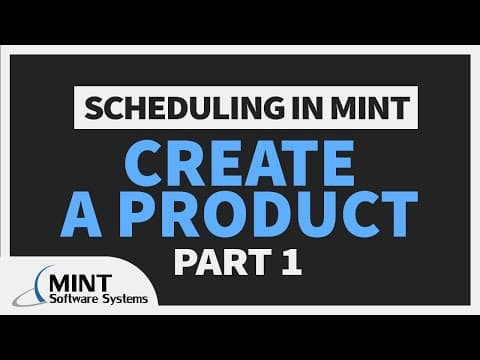
This blog post provides a detailed overview of how to create a product in the MINT web assistant, focusing on the importance of products in scheduling training sessions, illustrated through a practical example involving a pilot training program.
Welcome to the first part of our video series on scheduling in MINT. This series will guide you through the process of transforming products into projects and everything in between. In this post, we will focus on how to create a product, which is essential for efficient scheduling.
A product in the context of MINT is defined as a training curriculum or a template of events that are utilized when creating projects. Key aspects of a product include:
These elements are crucial as they streamline the scheduling process for training sessions.
To illustrate the concept of products, let’s consider a practical example involving Joe, who works at a company that wants to conduct a training session for their pilots. Instead of developing a new curriculum for each training session, Joe can create a product. This approach significantly reduces the time spent on scheduling, making Joe's job much easier.
Now, let’s dive into the MINT web assistant to see how to create a product:
Next, we will create a new product by following these steps:
After setting the properties, we will move on to the product design section, where we can visualize the events associated with our product:
While we will cover more advanced features in future videos, it’s worth noting that you can add record items to events and explore options like slot groups, continuities, and user schedule rules.
In this first part of our scheduling series, we have explored how to create a product in the MINT web assistant, using Joe's pilot training session as a practical example. This foundational knowledge will be essential as we move forward in the series. Thank you for watching, and stay tuned for the next installment where we will delve deeper into scheduling functionalities.